
Download DiskDigger APK for Delete Photos Recovery in Android
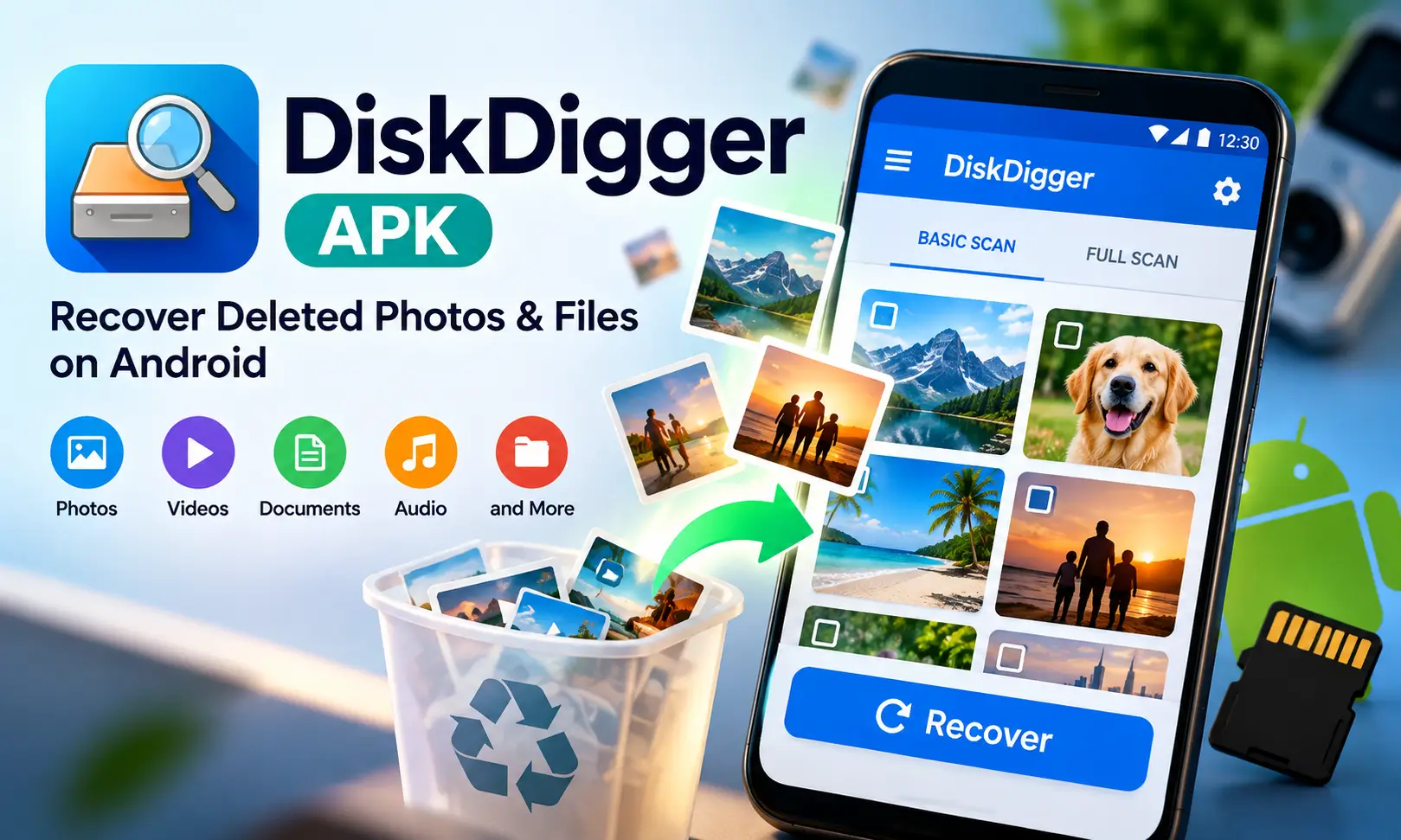
DiskDigger APK is an Android data recovery tool designed to find deleted photos, videos, and other supported files from internal storage and SD cards. It is particularly useful when photos have been accidentally deleted or important media has disappeared before you had a chance to create a backup.
The app offers two main scanning methods. A Basic Scan works without root access and focuses mainly on cached or thumbnail copies of photos. A Full Scan is available on rooted Android devices and can search storage more deeply for original files and additional file formats.
DiskDigger app keeps the recovery process straightforward. You can watch recoverable files appear while the scan is running, preview items before selecting them, apply filters, and then choose where recovered files should be saved. Also check: WaStat APK Download & Shotcut APK Mod.
What Is DiskDigger APK?
DiskDigger mod apk is a photo and file recovery application developed by Defiant Technologies, LLC. It scans Android storage for files that may still exist after deletion and gives you the option to recover selected items.
The app can scan internal phone storage as well as SD cards. The depth of the scan depends heavily on whether the Android device has root access.
On a normal non-rooted phone, DiskDigger for android mainly searches locations where Android and other apps store image thumbnails and cached copies. This can still help recover photos, although recovered images may have lower resolution than the originals.
With root access, DiskDigger pro can examine entire storage partitions. This gives it a better chance of locating original-resolution photos and makes recovery of videos and many other file types possible.
DiskDigger APK Information
| Information | Details |
|---|---|
| App Name | DiskDigger (Photo Recovery) |
| Package Name | com.defianttech.diskdigger |
| Developer | Defiant Technologies, LLC |
| Latest Version | 1.0-2025-05-23 |
| Release Date | May 2025 |
| File Size | 50MB |
| Minimum Android | Android 6.0 or higher |
| License | Free, with a separate paid Pro app |
| Category | Tools / Data Recovery |
| Language | English |
| Content Rating | 3+ |
| Downloads | About 9.9 million |
| Rating | 4.2 |
| Pro Package | com.defianttech.diskdiggerpro |
Key Features of DiskDigger APK Combo
Basic Scan vs Full Scan
DiskDigger mod provides two noticeably different recovery experiences.
Basic Scan does not require root access. It searches accessible cache and thumbnail locations for images that Android may have retained. This makes it convenient for everyday users, but the recovered photos may be smaller or lower quality than the originals.
Full Scan requires a rooted Android device. Instead of checking only accessible folders, it can search an entire storage partition. This improves the chance of recovering original files and enables support for many additional file formats.
Scan duration varies depending on the storage area being examined. A smaller partition may finish quickly, while a large internal storage partition can require several minutes. Also try: Convertio APP Download.
Preview Files Before Recovery
Recovering everything found during a scan is usually unnecessary. DiskDigger free displays recoverable images while scanning and lets you preview files before selecting them.
This makes it easier to identify the photos or other files you actually need instead of restoring a large collection of unwanted items.
The Options menu also includes filters for file type and minimum file size. Photo scans use a minimum size filter by default to reduce the number of tiny thumbnails, application graphics, and cached images appearing in the results.
Multiple Save and Upload Options
Once you select the files you want, DiskDigger all recovery provides several recovery destinations.
You can send recovered files to another application, including cloud storage or email. You can also save files directly into a folder on the Android device.
The Pro edition adds FTP uploading.
When possible, save recovered files somewhere different from the storage area being scanned. For example, if you are recovering files from internal storage, saving them to an SD card or cloud service helps avoid writing new data over recoverable storage areas.
Clean Up and Wipe Free Space
DiskDigger apk old version includes additional storage-management tools alongside recovery.
Clean Up can permanently remove unwanted files and contains separate sections for thumbnail caches and photos. This feature works with Basic Scan.
Wipe Free Space is designed for the opposite situation from recovery. It fills unused internal storage areas with random data so previously deleted information becomes harder to recover.
The feature is considered experimental and can create additional writes to flash storage, so it is better used occasionally rather than as a regular cleaning tool.
DiskDigger Free vs Pro
The free and Pro editions differ mainly in the types of files they can recover and the extra tools available.
| Feature | Free | Pro |
|---|---|---|
| JPG Recovery | Yes | Yes |
| PNG Recovery | Yes | Yes |
| Video Recovery | With root | With root |
| Documents | No | Yes, with root |
| Audio Files | No | Yes, with root |
| RAW Photos | No | Yes, with root |
| Archives | No | Yes, with root |
| FTP Upload | No | Yes |
| Advanced Delete/Wipe Options | Limited | Expanded |
For someone who only wants to recover deleted photos, the free edition may be enough. Users working with videos, documents, audio files, archives, or camera RAW formats will need the additional format support available in Pro, together with root access where required.
Supported File Types
The free edition mainly focuses on JPG and PNG image recovery.
DiskDigger Pro supports a much wider collection of formats, including MP4, M4A, 3GP, MOV, HEIF, GIF, MP3, AMR, WAV and OGG-based media.
Photography formats include TIF and several RAW formats such as CR2, SR2, NEF, DCR, PEF, DNG and ORF.
Document support includes DOC, DOCX, XLS, XLSX, PPT, PPTX, PDF, XPS, ODT, ODS, ODP and ODG.
Other supported formats include ZIP, RAR, APK, EPUB, SNB and VCF.
Keep in mind that recovering non-photo file types requires a rooted device, even when using the Pro edition.
Root vs Non-Root: What Can You Recover?
Root access makes the biggest difference to DiskDigger’s capabilities.
| Capability | Non-Rooted Device | Rooted Device |
|---|---|---|
| Basic Photo Scan | Yes | Yes |
| Full Storage Scan | No | Yes |
| Cached/Thumbnail Photos | Yes | Yes |
| Original-Resolution Recovery | Limited | Better possibility |
| Video Recovery | No | Yes |
| Document Recovery | No | Pro |
| Audio Recovery | No | Pro |
| RAW Image Recovery | No | Pro |
| Full Partition Selection | No | Yes |
Without root, Android limits how deeply DiskDigger can examine storage. This is why Basic Scan often produces thumbnail or cached versions instead of the original photo.
Root access allows DiskDigger to read storage at a deeper level and search areas that normal Android applications cannot access.
How to Download DiskDigger APK for Android
- Visit our website and open the DiskDigger APK download page.
- Tap the Download DiskDigger APK button.
- Choose the version compatible with your Android device.
- Wait for the APK file to finish downloading.
- Open the downloaded APK file from your notification panel or file manager.
- Allow installation from the selected source if Android asks for permission.
- Tap Install and wait for the process to complete.
- Open DiskDigger and select Basic Scan or Full Scan based on your device.
How to Use DiskDigger APK Latest Version
Using DiskDigger latest version is relatively simple once you understand which scan option is appropriate.
1. Choose a Scan
Open DiskDigger apk and start Basic Scan if the device is not rooted. On a rooted phone, you can use Full Scan for deeper recovery.
2. Grant Root Access if Required
Full Scan will request Superuser permission.
After granting access, select the storage partition you want to examine. Internal memory commonly appears as /data, while SD card paths may appear as /mnt/sdcard or something similar depending on the device.
3. Select File Types
Choose the file formats you want DiskDigger apk pro to search for.
Selecting only the formats you actually need can reduce unnecessary results and make scanning easier to manage.
4. Review Scan Results
Recoverable files start appearing while the scan is still running. You do not always have to wait until every section of storage has been examined before reviewing results.
Tap the files you want to select. The three-dot menu associated with a file can provide additional recovery options.
5. Apply Filters
If hundreds or thousands of results appear, open the Options menu and filter files by size or format.
Increasing the minimum image size can be particularly helpful when the results contain too many small icons, thumbnails, or application graphics.
6. Recover Your Files
Tap Recover after selecting the required items.
You can send them to another app or cloud service, save them into a chosen device folder, or use FTP uploading when that feature is available.
Tips to Improve Recovery Chances
- Stop using the storage after accidental deletion
- Avoid downloading large files or recording videos
- Do not create unnecessary new files
- Scan only for the file formats you need
- Save recovered files to a different storage location
- Avoid writing recovered data back to the same partition
DiskDigger APK Recovery Limitations
DiskDigger apk 2026 is useful, but it cannot restore every type of deleted information.
It does not recover deleted text messages or databases belonging to other Android applications. Its main purpose is recovering media and supported files from storage.
Basic Scan is also limited by Android permissions. Without root access, it generally works with cached and thumbnail images rather than performing a complete storage scan.
Another thing you may notice is that DiskDigger sometimes shows files that were never deleted. A storage scan can detect existing images alongside deleted data, so finding the exact item you need may require some browsing.
Most importantly, successful recovery is never guaranteed. When deleted storage blocks have already been overwritten with new data, the original file may no longer be recoverable.
Pros and Cons of Diskdigger Mod Apk
| Pros | Cons |
|---|---|
| Works without root for basic photo recovery | Non-root recovery is mainly limited to cached or thumbnail images |
| Full partition scanning available on rooted devices | Videos and other file formats require root |
| Shows files while scanning | Results can include files that were never deleted |
| Preview before recovery | Deep recovery depends on storage areas not being overwritten |
| File size and format filters | Full Scan is unavailable without root access |
Conclusion
DiskDigger APK provides a practical solution for Android users who need to recover accidentally deleted photos and supported files. Its biggest advantage is that basic photo recovery can work without root access, making it accessible on normal Android devices.
Rooted phones unlock the more capable Full Scan, which can search entire partitions and recover original images, videos, documents, audio files, archives, RAW photos and other supported formats depending on the edition being used.
For the best recovery experience, start scanning as soon as possible after deletion, use filters to narrow the results, preview files before restoring them and save recovered data to a different storage location whenever possible.
Frequently Asked Questions

Abhishek Sharma is a technology enthusiast and experienced content writer with a strong interest in mobile apps, games, software, and the latest developments in the digital world. He enjoys exploring new applications and gaming platforms, testing their features, and sharing useful information in a simple and easy-to-understand way.