
Depth Wallpapers Live Clock APK v2.1.07 Free 3D for Android
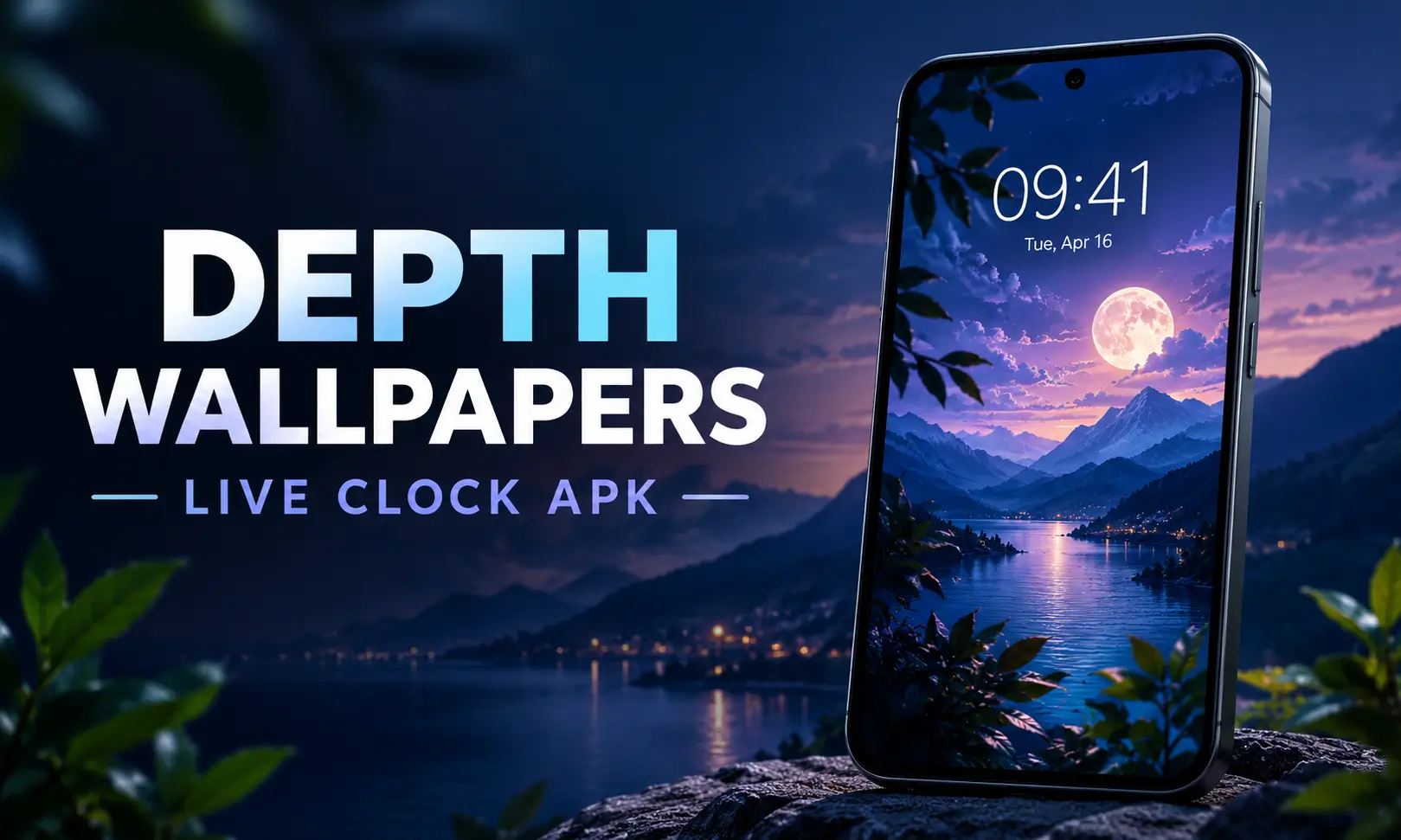
Depth Wallpapers Live Clock APK is an Android personalization app that gives your phone a distinctive 3D wallpaper effect by blending the clock and date into the artwork. Instead of displaying the time as a separate layer over your wallpaper, the depth wallpaper app creates the impression that the clock sits behind or between different parts of the image.
Developed by JustNewDesigns, the depth live clock apk combines handcrafted wallpapers, customizable clock styles, and subtle motion effects. It is designed for Android users who want a more personalized home screen and lock screen without spending time editing images manually.
With more than 120 wallpapers, adjustable clock settings, and features such as gyroscope-based animation, Depth Wallpapers & Live Clock for Android offers several ways to change the appearance of a phone’s display. Also check: Firehawk Remote APK & Mico Live Wallpaper APK.
| App specification | Details |
|---|---|
| App name | Depth Wallpapers & Live Clock |
| Developer | JustNewDesigns |
| Package name | com.jndapp.depth.live.wallpaper |
| Category | Personalization |
| Latest version | 2.1.07 |
| File size | Approximately 23–24 MB |
| Android requirement | Android 10 or later |
| Content rating | 3+ |
| Downloads | 1 million+ |
| Rating | Approximately 4.4 stars |
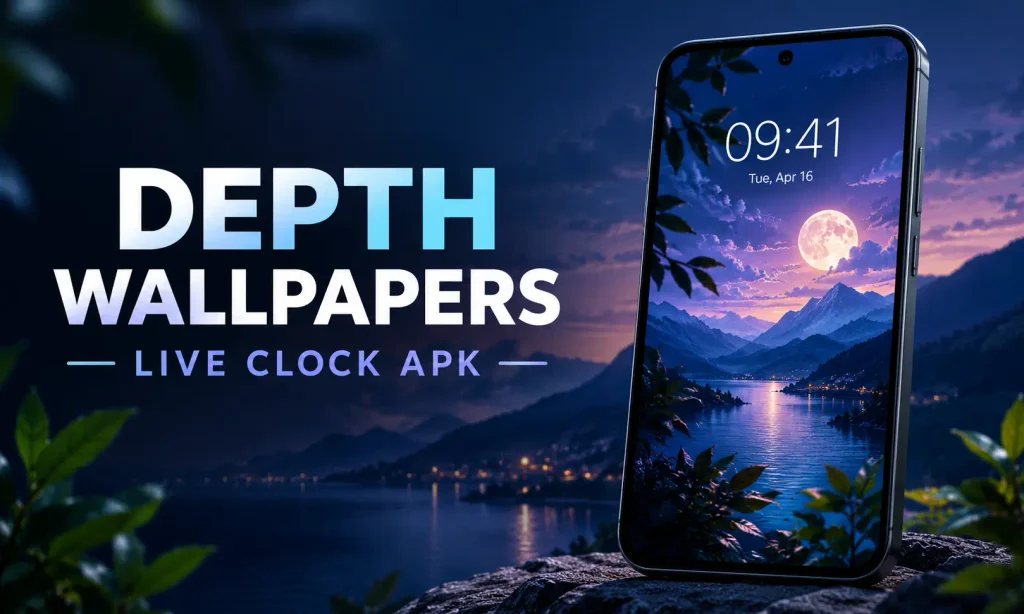
Key Features of Depth Wallpapers Live Clock APK
The main attraction of this app is its combination of wallpaper artwork and clock customization.
1. More Than 120 Handcrafted Wallpapers
The Depth Wallpapers Live Clock APK includes over 120 wallpapers arranged into different categories. Users can browse the available designs, preview their appearance, and choose artwork that matches their preferred style.
New designs are added regularly, giving users more options when they want to refresh their phone’s appearance. The collection is particularly useful for people who enjoy changing their wallpaper without searching for and editing images separately.
2. Realistic 3D Depth Effect
The depth effect clock mod apk makes the clock appear integrated into the wallpaper. Depending on the artwork, parts of the image can appear in front of the clock, creating a layered appearance rather than a flat background.
This effect gives the lock screen a more dimensional look while keeping the time visible as part of the overall composition.
3. Customizable Clock Styles
Users can adjust several aspects of the clock to suit their wallpaper and personal preferences, including:
- Font style: Choose from available clock fonts, including outline styles.
- Color: Adjust the clock color to complement the artwork.
- Size: Make the time larger or smaller.
- Position: Move the clock to a preferred location.
- Visibility: Hide the clock on the home screen while retaining it on the lock screen.
4. Gyroscope-Based Animation
The depth wallpapers live clock app uses the phone’s gyroscope to produce subtle movement when the device is tilted. The clock and wallpaper layers shift slightly, making the depth effect more noticeable.
The movement is intended to add dimension without turning the entire wallpaper into a distracting animation. The experience depends on the device’s supported motion sensors.
5. Animated Lock Screen Transitions
Depth Wallpapers & Live Clock APK also supports an animated transition between the lock screen and home screen. This feature complements the layered wallpaper effect by making the change between screens feel more connected.
The transition feel less complete when the clock is hidden on the home screen, so the experience can depend on how the user configures the display.
6. Additional Personalization Tools
Recent feature additions include an Auto Wallpaper Changer, Studio Editor, and three grid layout options. These tools provide more flexibility when browsing and managing wallpaper designs.
Performance improvements and bug fixes have also been included in updates, helping maintain the overall wallpaper experience. Also visit: Live Launcher Mod APK.
Depth Effect and Clock Customization Explained
A conventional live wallpaper usually acts as a background, with the clock displayed separately by the phone’s interface. Depth Wallpapers & Live Clock takes a different approach by arranging the clock and artwork to create a layered visual effect.
The result depends on the selected design. Some wallpapers create a stronger separation between foreground elements and the clock, while others use a more subtle arrangement.
Clock customization is an important part of the experience. A bright clock stand out against a dark image, while a smaller, understated style may work better with detailed artwork. Adjusting the position can also help the time fit naturally into the composition.
The gyroscope animation adds another layer of interaction. When you tilt a compatible phone, the elements move subtly rather than remaining completely static.
For the best result, preview a few designs before applying one. A wallpaper that looks impressive in a thumbnail have a different visual balance once the clock is positioned on your actual screen.
How to Use Depth Wallpapers Live Clock APK Online
Setting up a wallpaper is straightforward. Follow these five steps to choose a design and customize the clock.
Step 1: Open the app and browse categories
Launch Depth Wallpapers & Live Clock and explore the available wallpaper categories. Look for a design that suits your screen and personal style.
Step 2: Preview your preferred wallpaper
Tap a design to open its preview. Tilt your phone slightly to see the depth effect and clock movement, provided your device supports the required sensors.
Step 3: Apply the wallpaper
Tap the Apply option and choose where you want the wallpaper to appear. You can select the home screen, lock screen, or both.
Step 4: Customize the clock
Open the clock settings and adjust the font, color, size, and position. Experiment with these options until the clock fits naturally into the artwork.
Step 5: Save your settings
Save the changes and view the result on your phone. You can return to the app whenever you want to switch designs or change the clock’s appearance.
The app is designed around applying wallpapers directly, so saving the original image as a separate file is not its primary workflow.
Premium vs Free: What Do You Get?
Depth Wallpapers & Live Clock is free to install, but it also offers in-app purchases and premium access. Some designs or customization options require payment.
The free experience allows users to explore the app and personalize their screens, while premium access provides additional paid content.
If you are searching for a depth wallpaper APK premium option, use the app’s official in-app upgrade rather than assuming that an external package includes the same benefits. Modified builds can differ from the original app and may not provide the expected features or updates.
Before purchasing, review the available upgrade details inside the app to understand exactly what is included.
Depth Wallpapers Live Clock APK Download for Android
For a depth live wallpaper download, follow these steps:
- Find the app through its official Google Play listing.
- Check the developer name and available app details.
- Tap Install and wait for the installation to finish.
- Open the app and browse the wallpaper collection.
- Select a design, apply it, and customize the clock.
Can You Use Depth Live Wallpaper for PC?
Depth Wallpapers & Live Clock is designed for Android, and it does not have a native Windows version.
You can experiment with an Android emulator on a Windows computer, but this is not the same as using the app on a supported phone. Emulator may not work properly, and the gyroscope-based movement may not work correctly because a desktop computer does not necessarily provide the required motion sensors.
The app’s clock and wallpaper effects are intended for a mobile screen, so an Android phone offers the more complete experience. If your main goal is a dynamic desktop background, a dedicated Windows wallpaper application may be more practical.
Privacy and Permissions
The app declares permissions related to internet access, network status, notifications, foreground services, wake locks, vibration, startup behavior, and screen overlays. These permissions support functions associated with displaying and maintaining live wallpaper effects.
For example, background execution and wake-lock permissions can help an application maintain certain active functions, while internet access supports online features. The exact behavior depends on how the app operates on a particular device.
You can review the app’s current permissions and privacy information before installing it, especially if you prefer to keep your phone’s background activity to a minimum.
Known Limitations of Depth Wallpapers Live Clock APK
Although the app provides several customization options, there are a few practical limitations to consider.
No built-in search bar: The wallpaper collection is organized into categories, but finding a particular design may take longer when browsing a large collection.
Foldable screen alignment: Some users have reported that clock positioning does not align correctly on the inner screens of foldable phones. Separate configurations for folded and unfolded states are also unavailable.
Lock-to-home animation: Hiding the clock on the home screen can make the transition between the lock screen and home screen feel incomplete.
Motion sensor dependency: The 3D movement depends on compatible motion sensors. The effect may be limited on devices without suitable sensor support.
Device compatibility: The app requires Android 10 or later, so older Android devices may not be compatible.
Best Alternatives to Depth Wallpapers & Live Clock
If you want to explore other depth clock APK options, several alternatives offer different approaches to wallpaper personalization.
1. DepthX – Live Clock Wallpapers
DepthX offers a collection of more than 200 wallpapers across 15+ categories. Its animated effects include options such as rain, snow, and sakura petals. It may appeal to users who want a larger selection of motion-based visual styles.
2. DepthFX Wallpaper
DepthFX Wallpaper by IJP focuses on an iOS-style depth effect and supports personal photos. It also offers separate styling for the hour and minute, providing additional control over the appearance of the clock. Its stated Android requirement is Android 9 or later.
3. Depth Clock Live Wallpaper
This app focuses on using personal photos. AI-based subject detection identifies the main subject and positions the clock behind it to create a depth effect. It is worth considering if you prefer your own photographs over a predefined wallpaper collection.
4. Other Apps from JustNewDesigns
Users who prefer the same developer’s design approach can also explore DClock, X Depth Live Wallpapers, Depth Studio, and Anime Depth Wallpapers. Their features and available content differ, so compare the specific options before choosing one.
Final Verdict
Depth Wallpapers & Live Clock is a useful personalization option for Android users who want more than a static background. Its layered 3D effect, customizable clock, handcrafted wallpaper collection, and subtle motion features make it possible to give a phone a distinctive appearance without manually editing images.
The main considerations are its Android 10 requirement, paid content, limited wallpaper search functionality, and reported alignment issues on foldable screens. If those limitations fit your needs, the app is worth exploring for a more integrated clock and wallpaper experience.
Frequently Asked Questions

Abhishek Sharma is a technology enthusiast and experienced content writer with a strong interest in mobile apps, games, software, and the latest developments in the digital world. He enjoys exploring new applications and gaming platforms, testing their features, and sharing useful information in a simple and easy-to-understand way.