
Blackmagic Camera APK v3.5.1.0044 Free for Android 13-16
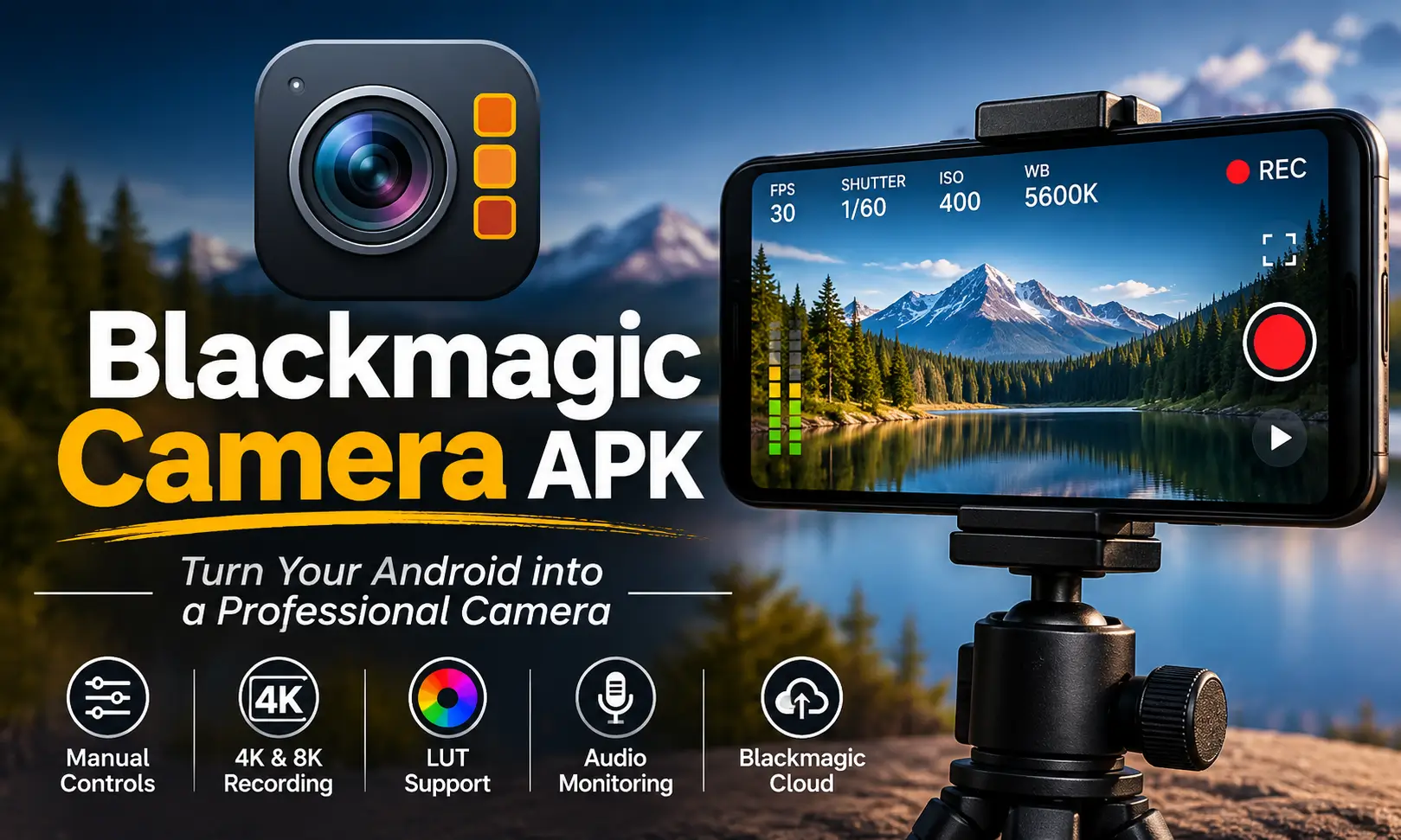
If you enjoy recording videos on your smartphone but want more control over how they look, Blackmagic Camera is just for you. It brings professional-style video recording controls to Android phones, allowing you to adjust settings such as ISO, shutter speed, white balance, focus, frame rate, and resolution.
Unlike a standard camera app that handles most settings automatically, this blac magic camera app gives you more freedom to shape your footage while recording. It also offers useful monitoring tools, audio controls, LUT support, and integration with DaVinci Resolve through Blackmagic Cloud.
What Is Blackmagic Camera APK?
Blackmagic Camera APK is a free professional video recording application developed by Blackmagic Design Inc. It turns Android smartphones and tablets into more advanced video recording tools by providing manual controls usually associated with dedicated cameras.
You can adjust exposure, shutter angle, ISO, focus, white balance, and other recording parameters directly from the camera interface. This makes it useful for filmmakers, content creators, vloggers, and anyone who wants more control over smartphone video.
Another useful feature is its connection with DaVinci Resolve. Through Blackmagic Cloud, you can upload recorded clips directly into shared projects and continue your editing workflow on a computer. Also check: Licowa APK & Sony Camera APK.
Blackmagic Camera APK Information
Here are the main application details to help you understand its requirements and technical specifications.
| App Information | Details |
|---|---|
| App Name | Blackmagic Camera |
| Developer | Blackmagic Design Inc. |
| Package Name | com.blackmagicdesign.android.blackmagiccam |
| Category | Photography / Video Camera |
| Latest Version | 3.5.1.0044 |
| File Size | 79.86 MB |
| File Format | XAPK |
| Minimum Android | Android 13 or later |
| Price | Free |
| Languages | English, Chinese, French, German, Italian, Japanese, Korean, Portuguese, Spanish |
| Official Availability | Google Play Store and Samsung Galaxy Store |
Key Features of Blackmagic Camera Mod APK
Blackmagic Camera offers several advanced recording options that make smartphone filmmaking more flexible. Here are the features worth understanding before installing it.
1. Manual Camera Controls
One of the biggest advantages is the ability to control important recording settings manually. Instead of relying entirely on automatic adjustments, you can decide how the camera captures a scene.
You can adjust ISO, shutter speed, shutter angle, focus, white balance, and tint. These controls are particularly useful when recording in changing lighting conditions or trying to maintain a consistent look across multiple shots.
2. Multiple Frame Rate Options
The blackmagic camera apk pro supports several frame rates. Available frame rates include:
- 24 FPS
- 25 FPS
- 30 FPS
- 48 FPS
- 50 FPS
- 60 FPS
- 120 FPS
- 240 FPS
You can also use off-speed recording between 4 and 60 FPS. This gives you more flexibility when creating cinematic footage, slow-motion clips, and everyday videos.
3. High-Resolution Video Recording
Video resolution is another important part of the recording experience. Blackmagic Camera for Android supports different resolutions depending on the hardware capabilities of your device. Supported options include 720p, 1080p, 4K, and 8K.
The application also supports HEVC (H.265), H.264, and APV. These recording formats give users flexibility when balancing video quality, file size, and editing requirements.
4. Professional Focus and Exposure Tools
Getting the correct focus and exposure can make a significant difference in video quality. The app includes several monitoring tools to help you make better recording decisions.
Its focus options include automatic focus, tap-to-focus, and manual focus adjustment. You can also use focus peaking to identify areas that are sharply focused. Also visit mcpro24fps apk.
For exposure monitoring, the application provides zebra patterns, false color, and an RGB histogram. These tools help you identify overexposed areas, monitor brightness, and maintain consistent lighting.
5. White Balance and Color Adjustments
Lighting conditions can change the appearance of colors in your footage. The white balance controls allow you to adjust the temperature manually between 2500K and 10,000K.
You can also choose from presets such as daylight, shade, cloud, fluorescent, and incandescent.
Manual tint adjustment is available from -50 to 50, giving you additional control over the overall color appearance.
The application also supports different color spaces, including Rec. 709, Rec. 2020 HLG10, and BT2020 HDR10, depending on device compatibility.
6. LUT Support
LUT support is especially useful for creators who want a consistent visual style.
Blackmagic Camera Pro allows you to import and export LUTs, display a LUT while monitoring footage, and record a LUT directly to a clip.
This makes it easier to preview a particular color appearance during recording instead of waiting until the editing stage.
7. Advanced Audio Monitoring
Good video also needs clear audio. The app includes audio monitoring tools that help you keep track of sound levels while recording.
You can use VU or PPM meters, select mono or stereo audio, and work with supported external microphones.
Audio sampling options include 44.1 kHz and 48 kHz. These settings are useful for creators recording interviews, presentations, vlogs, and other video projects.
8. Blackmagic Cloud Integration
Blackmagic Cloud provides a convenient way to connect smartphone recording with a professional editing workflow.
You can sign in to your Blackmagic Cloud account and upload footage automatically or manually to DaVinci Resolve projects. Live synchronization also helps team members work with shared project media.
The application supports real-time communication with project users and offers a Wi-Fi-only upload option for people who prefer to manage their mobile data usage.
9. Vertical Video and Timelapse
The app is not limited to traditional horizontal videos. It also includes a vertical recording mode, making it useful for short-form content and social media videos.
Its timelapse feature allows recording intervals ranging from one frame per second to one frame every ten minutes.
You can also use different frame guides, including 9:16, 4:5, 1:1, 4:3, 1.85:1, and 2.39:1, to plan your composition.
Blackmagic Camera Supported Android Devices
The following table covers the supported device families and models included in the available compatibility information.
| Brand | Supported Devices |
|---|---|
| Samsung Galaxy | S21, S22, S23, S24, S25, S25 Ultra |
| Samsung Fold | Selected Z Fold models |
| Samsung Tablet | Galaxy Tab S9 |
| Google Pixel | Pixel 6, 7, 8, and 9 series, excluding Fold |
| OnePlus | OnePlus 11 and 12 |
| Xiaomi | Xiaomi 13, Xiaomi 14 |
| Xiaomi Tablet | Xiaomi Pad 6 |
| Sony Xperia | Xperia 1, Xperia 5, and Pro-I series |
| Oppo and Vivo | Selected models |
Blackmagic Camera APK for Android 12, 13, 14, 15, and 16
The minimum operating system requirement is Android 13. Here is a simple compatibility overview:
| Android Version | Compatibility |
|---|---|
| Android 12 | Not supported because it is below the minimum requirement |
| Android 13 | Supported |
| Android 14 | Supported |
| Android 15 | Supported |
| Android 16 | Supported |
Blackmagic Camera APK for PC
If you want to use Blackmagic Camera on a Windows computer, there is one important thing to understand: there is no official Blackmagic Camera application for Windows or PC.
The application is designed for Android and iOS devices because it relies on smartphone camera hardware, lenses, and recording capabilities.
Using an Android emulator on a computer is not a practical replacement. An emulator cannot fully reproduce the physical camera sensors, lens controls, and hardware features required for the intended recording experience.
However, you can still use your PC as part of the same video production workflow.
For example, record videos using Blackmagic Camera on your smartphone and transfer or upload the footage to your computer. You can then edit your videos using DaVinci Resolve, which is available for Windows, macOS, and Linux.
Is Blackmagic Camera APK Pro Available?
There is no separate paid Blackmagic Camera Pro application. The original application is free and already includes professional recording controls. You do not need to purchase another version to access its main camera features.
Blackmagic Camera Pro, Premium, or Unlocked are not separate versions issued by the developer. The genuine application is simply called Blackmagic Camera APK.
How to Download and Install Blackmagic Camera APK Latest Version on Android
The easiest way to get the app is through an official app store. Follow these steps:
- Open the Google Play Store or Samsung Galaxy Store on your Android device.
- Search for Blackmagic Camera APK.
- Open the application page.
- Tap Install and wait for the download to finish.
- Open the application and allow the required camera, microphone, and storage permissions.
- Select your preferred recording settings and start capturing videos.
How to Install the XAPK File
If you already have an XAPK package, the installation process is slightly different from installing a regular APK.
An XAPK package can contain the application and additional installation files. You need an installer that supports this format or a method of extracting and installing its included split APK files.
Generally, the process involves opening the XAPK package with a installer, allowing the installer to process the included files, and following its installation instructions.
Default Camera vs Blackmagic Camera
Both applications can record videos, but they are designed with different users and recording needs in mind.
| Feature | Default Camera App | Blackmagic Camera |
|---|---|---|
| Main Purpose | Everyday photography and videos | Advanced video recording |
| Manual ISO | Depends on device | Available |
| Shutter Control | Limited on many devices | Speed and angle controls |
| White Balance | Mostly automatic or preset-based | Automatic and manual |
| Manual Focus | Device-dependent | Available |
| Focus Peaking | Rare | Available |
| Histogram | Not commonly available | RGB histogram |
| LUT Support | Usually unavailable | Available |
| Frame Guides | Basic options | Multiple aspect ratios |
| Cloud Workflow | Depends on manufacturer | Blackmagic Cloud integration |
| Video Recording | Standard recording options | Advanced recording controls |
Conclusion
Blackmagic Camera is a useful option for Android users who want more control over smartphone video recording. Its manual ISO, shutter, focus, white balance, frame rate, and exposure settings provide flexibility that many standard camera applications do not offer.
Features such as LUT support, audio monitoring, vertical recording, timelapse, and Blackmagic Cloud integration also make it suitable for content creators and people working on more advanced video projects.
The most important thing to remember is device compatibility. Your phone must run Android 13 or later and support the application. If you have a compatible smartphone, Blackmagic Camera apk offers a free way to explore a more professional video recording workflow.
Frequently Asked Questions
Abhishek Sharma is a technology enthusiast and experienced content writer with a strong interest in mobile apps, games, software, and the latest developments in the digital world. He enjoys exploring new applications and gaming platforms, testing their features, and sharing useful information in a simple and easy-to-understand way.