
BLO APP Download APK v9.62 For Android 2026
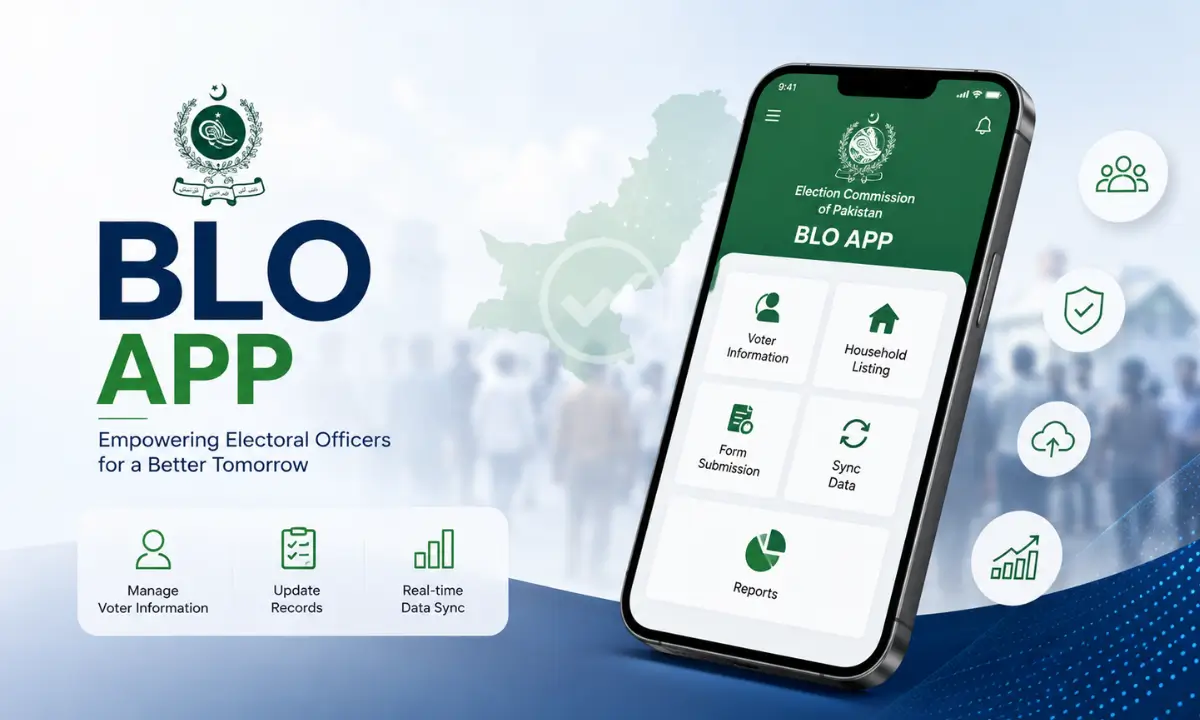
BLO App is the official mobile application from the Election Commission of India built for Booth Level Officers (BLOs) to manage electoral tasks digitally. It replaces paper-based verification with a phone-based workflow, covering form checks, elector verification, polling station data, and house-to-house survey work.
This guide covers everything about BLO app download, including the new APK version, Android installation, PC access, login steps, and online usage.
What Is BLO App
BLO App, earlier known as GARUDA App, is developed by the Election Commission of India (ECI) for Booth Level Officers across the country. There are more than a million BLOs in India, and before this app existed, they had to submit paper documents to the Electoral Registration Officer (ERO) office by hand. This process was slow and error-prone. This App digitizes that entire chain of work. Also visit: ApkFx com & Crafto APP Download.
The app connects directly to the ERO office and removes the need to scan or digitize supporting documents separately. BLOs use it to verify elector details, collect data at the doorstep, and submit forms without manual paperwork.
Core tasks handled inside the app include:
- Checklist and field verification of forms
- Collection of AMF (Assured Minimum Facility) and EMF (Extended Minimum Facility) data
- Capturing GIS coordinates of polling stations
- Updating photos of polling stations
- Form submission on behalf of electors
- House-to-house verification
BLO App Download for Android
BLO Apk is available as a free download for Android devices through the Google Play Store. Here is the standard installation process:
- Open the Google Play Store on your Android phone.
- Search for “BLOApp” and confirm the developer is listed as the Election Commission of India.
- Tap Install and wait for the download to finish.
- Open the app and grant the permissions it asks for, mainly camera, location, and storage. These are needed for photo capture, GIS coordinates, and saving electoral list data on the device.
- Complete the login step to access your assigned polling booth data.
The app needs Android 5.0 or higher on most builds, though newer versions may need Android 9 and above depending on the release. Always check the version requirement listed on the download page before installing, since older phones may not support the newest builds.
BLO App Download APK Latest Version
If Play Store access is not available, you can use the apk file for Android, and it lets you sideload the app directly without going through the Play Store.
A few points to keep in mind before downloading the BLO APK latest version:
- Visit a trusted apk website like jzaas.net.
- Download the latest version of the app.
- The app is updated frequently, sometimes multiple times a month, with state-specific changes like DSE (Data Structure Enhancement) updates for particular regions and general bug fixes.
- File size varies by version and device architecture, typically ranging from around 45 MB to over 100 MB depending on the build and whether it is bundled as APK or XAPK.
- If your device blocks the install, go to Settings, then Apps, and allow installation from unknown sources for the browser or installer app you are using.
Since the Election Commission pushes updates on a rolling basis, always compare the version number shown before install against the one already on your phone to avoid downloading an outdated file.
BLO App Login Guide
Once installed, BLO app login requires officially assigned credentials. These are not self-registered like a typical consumer app.
- Booth Level Officers receive their login ID and password from their respective ERO or district election office.
- Some versions support login through the ECI Unified Portal, including QR-based login for BLOs.
- After login, the dashboard shows the assigned polling booth, elector list, and pending verification tasks.
- If login fails, check your internet connection first, since the app depends on a live connection to sync with ERO servers, then confirm your credentials with your election office, since forgotten or expired passwords are a common cause of login errors.
Can You Use BLO App Online
BLO App does need an active internet connection for most of its core functions, including syncing verification data, submitting forms, and downloading the electoral list. Some features, like reviewing a downloaded elector list saved to phone memory, can work briefly offline, but any data entry or form submission needs to sync online before it reaches the ERO office. Treat the app as an online tool with limited offline reading rather than a fully offline system.
BLO App vs BLO-Net vs GARUDA App
These three names cause confusion, so here is a quick breakdown:
- GARUDA App is the original name of what is now called BLO App. The rebrand kept the same core purpose.
- BLO App is the current consumer-facing name used on the Play Store and App Store, focused on field verification, checklists, and polling station data.
- BLO-Net is a related but separate ECI tool focused specifically on online processing of claims, objections, and enrollment forms, along with elector verification and remarks for the ERO office.
If your task involves polling station photos, GIS capture, or house-to-house checklists, you need this app. If your task is form processing tied to claims and objections, BLO-Net is the correct tool.
Common Issues and Fixes
Based on real user feedback, a few recurring problems come up:
| Issue | Likely Cause | Fix |
|---|---|---|
| Submit button missing on Form 6 | UI glitch tied to app version or device compatibility | Update to the latest version, then restart the app before retrying |
| No gallery photo upload option | Expected behavior tied to the app’s live-capture verification policy | Use the in-app camera to take a fresh photo instead of selecting from gallery |
| App lag and frequent logouts | Weak or unstable internet connection | Switch to a stable Wi-Fi or mobile data connection before starting a session |
| Login failure | Wrong or expired credentials, or no internet | Check your connection first, then confirm your ID and password with your ERO or district election office |
| No PC or laptop access | No native desktop app from ECI | Use an Android emulator such as BlueStacks or LDPlayer, as covered above |
| Data not syncing after form submission | Connection dropped mid-sync | Reopen the app on a stable connection and resubmit the form |
Conclusion
BLO App has replaced a slow, paper-heavy verification process with a single mobile tool built directly for Booth Level Officers. Whether you need the app download for Android, the latest APK version, a PC workaround through an emulator, or help with login and online sync, the steps above cover the full setup from install to daily use.
Keep the app updated, use a stable internet connection during form submission, and confirm your login credentials with your ERO office if you run into access issues. With the app set up correctly, most fieldwork tasks, from house-to-house verification to polling station updates, move faster and with far less paperwork.
Frequently Asked Questions

Josh is a technology writer and app enthusiast who specializes in Android apps, mobile games, APK downloads, and digital tools. He enjoys testing new applications, exploring game features, and creating easy-to-follow guides that help readers install, use, and troubleshoot apps with confidence.