
Nova Launcher APK v8.9.2 Download for Android Home Screen
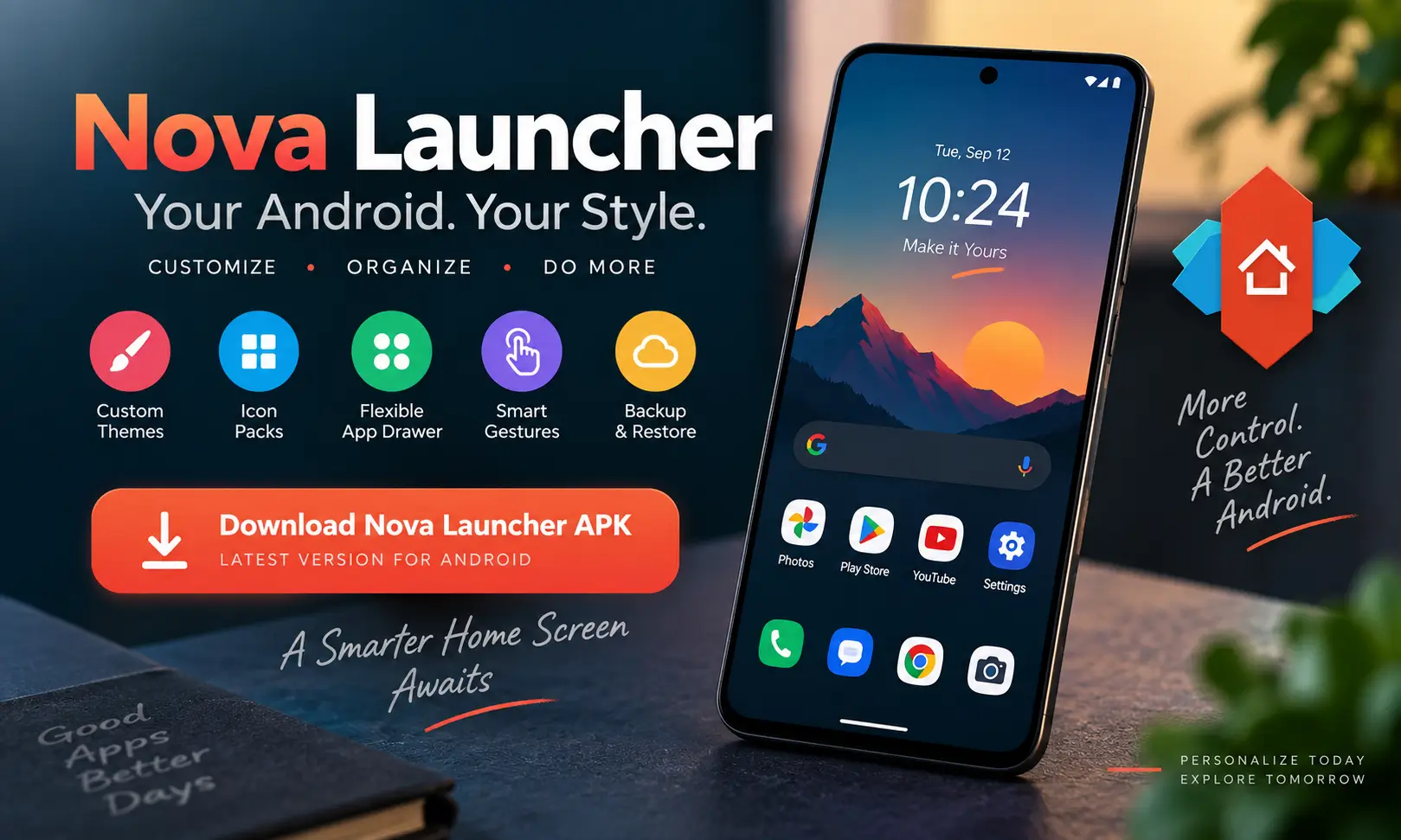
Nova Launcher APK remains one of the most recognizable Android launchers for people who want more control over their phone’s home screen. I have used and tested different Android launchers over the years, and Nova has always stood out because it gives you plenty of customization without forcing you to completely relearn how Android works.
This nova launcher app lets you customize icons, folders, the app drawer, desktop grids, search, gestures, themes, animations, and many other parts of the Android interface. You can make a phone look completely different or simply improve a few annoying parts of the default launcher.
There has been a major change, however. Nova Launcher is now owned and maintained by Instabridge Sweden AB. The ownership change came after a difficult period for the project, but development has resumed and new versions are being released regularly. Instabridge officially announced its acquisition of Nova Launcher on January 20, 2026.
As of September 15, 2026, the latest available release is Nova Launcher 8.9.2 (89200), uploaded on September 12, 2026. Also visit: Download Niagara Launcher APK & Download Crickex APK.
Nova Launcher APK Latest Version Information
| App Information | Details |
|---|---|
| App Name | Nova Launcher |
| Latest Version | 8.9.2 |
| Version Code | 89200 |
| Developer | Instabridge Sweden AB |
| Package Name | com.teslacoilsw.launcher |
| APK Size | Around 35.03 MB |
| Minimum Android | Android 8.0 or higher |
| Architecture | arm64-v8a + armeabi-v7a |
| DPI | nodpi |
| Category | Personalization / Launcher |
| Latest Update | September 12, 2026 |
| Price | Free with optional Prime upgrade |
What Is Nova Launcher APK?
Nova Launcher APK is a replacement home-screen application for Android. For now, you are using the launcher provided by Samsung, Xiaomi, Motorola, Google, OnePlus, or another phone manufacturer, you can set Nova as your default launcher.
Your installed apps remain exactly where they are. Nova simply changes how you access, organize, and display them.
That is an important distinction because installing a launcher doesn’t replace Android itself. It mainly controls your home screens, app drawer, folders, icons, search interface, and related navigation elements.
Nova has traditionally been popular among Android power users because almost every part of the interface can be adjusted while still feeling familiar. Also try: WaStat APK
Nova Launcher Features
Highly Customizable Home Screen
Customization is still Nova’s strongest feature. You can change the number of rows and columns on the home screen, resize icons, modify labels, customize folders, adjust padding, and control how widgets are positioned.
Nova also supports more flexible icon and widget positioning than many stock launchers.
Custom Icon Packs
If you enjoy changing the appearance of your Android phone, icon-pack support is especially useful.
You can install compatible icon packs and apply them across the launcher instead of manually changing individual apps. Individual icons can also be modified if one doesn’t match the rest of your setup.
Customizable App Drawer
The app drawer can be adjusted according to how you prefer to find applications.
You can customize its layout, icon size, scrolling behavior, colors, search options, and other visual settings. Prime users also get additional organization options such as drawer groups and folders.
Gesture Controls
Nova Prime expands the launcher with configurable gestures.
For example, gestures such as swiping, pinching, double-tapping, and two-finger movements can be assigned to apps or Nova actions. Once configured properly, these shortcuts can make everyday navigation noticeably faster.
Backup and Restore
This is one of the Nova features I find most practical.
After spending time creating your preferred layout, you can back up the configuration and restore it later. It saves a lot of effort when switching devices, experimenting with layouts, or resetting your phone.
Light and Dark Appearance
Nova works well with both light and dark home-screen designs. Colors, icons, folders, search elements, and other interface components can be adjusted to complement your wallpaper and overall Android theme.
What Changed in Nova Launcher APK Latest Version 8.9.2?
The current Nova Launcher 8.9.2 release continues the newer Instabridge-maintained development line.
Recent changes listed for the current release include restoring folder search when enabled through Search Settings, addressing problems with launching Contacts actions, and improving the reliability of widget automatic updates.
More importantly, the steady stream of releases during 2026 shows that Nova is actively receiving updates again. Versions 8.8.7, 8.8.8, 8.8.9, 8.9.0, and 8.9.2 all appeared between July and September 2026.
What Happened to Nova Launcher APP?
This is worth explaining because anyone who followed Nova during 2025 may remember reports that the launcher was effectively finished.
Branch acquired Nova Launcher in 2022. At the time, founder and original developer Kevin Barry said that he would continue directing and developing the launcher.
Following team reductions, Barry became the sole developer working on Nova. On September 6, 2025, he announced that he had left Branch and was no longer involved with Nova Launcher APK. Work he had been doing toward an open-source release also stopped.
For several months, Nova’s future was therefore extremely uncertain.
That changed on January 20, 2026, when Swedish company Instabridge acquired Nova Launcher. The company stated that it intended to keep Nova maintained, stable, and compatible with current Android releases.
The regular releases visible throughout 2026 confirm that development has restarted.
Is Nova Launcher Mod APK Safe in 2026?
This has understandably become one of the most searched questions about Nova Launcher APK .
Nova is now maintained by Instabridge Sweden AB rather than its original developer. The company says it intends to keep data collection minimal and purpose-driven and says that it does not sell personal data.
Nova may also request permissions for certain optional functions. For example, AccessibilityService can be used to perform particular system actions, Device Administrator can support screen-off or locking functions, and notification access can enable notification badges and media controls.
For normal use, I recommend sticking with the official release or another reputable APK distributor rather than downloading modified packages from unknown sources.
Nova Launcher Free vs Nova Launcher Prime
The biggest difference in 2026 is advertising.
Nova’s official FAQ now confirms that the free version contains ads to support ongoing development, while Nova Launcher APK Prime is ad-free.
Prime also unlocks additional features such as gestures, drawer folders, app hiding, additional scrolling effects, customizable icon gestures, and other advanced controls. Existing Prime users can continue using their Prime features, while Nova now offers Prime through purchasing options that include subscription and lifetime access.
For casual customization, the free edition is enough to understand what Nova offers. For someone who uses Nova every day and wants deeper customization without regular third-party advertising, Prime makes considerably more sense.
How to Download Nova Launcher APK
If you are updating an existing installation, keep a backup of your Nova configuration so you can restore your preferred layout if needed.
- Visit Jzaas.net and open the Nova Launcher APK page.
- Scroll to the download section and tap the Download Nova Launcher APK button.
- Wait for the APK file to finish downloading on your Android device.
- Open your Downloads folder and find the downloaded Nova Launcher APK file.
- Before installing, make sure your Android version is compatible with the APK.
- If Android asks for permission, allow your browser or file manager to install apps from that source.
- Tap the APK file and select Install to complete the process.
- Once installed, open Nova Launcher and follow the setup instructions.
- Set Nova Launcher APK as your default Home app if you want to use it as your main launcher.
Nova Launcher Stable vs Beta
Most users should stay with the stable Nova Launcher version because it is intended for everyday use.
The beta channel is better suited to people who want to test features before their general release and don’t mind occasionally encountering bugs.
Nova’s official beta page also provides changelog information, making it useful for following experimental changes.
For a primary phone, I personally prefer the stable release unless there is a specific beta feature I want to test.
Pros and Cons of Nova Launcher APK MOD
| Pros | Cons |
|---|---|
| Extensive Android customization | Free version now contains ads |
| Icon-pack support | Some advanced features require Prime |
| Flexible home-screen layouts | Ownership and monetization changes may concern longtime users |
| Configurable app drawer | Many settings can feel overwhelming at first |
Final Words
Nova Launcher APK is still one of Android’s most powerful choices for people who want control over their home screen without installing an entirely different operating system.
The story surrounding Nova has changed considerably. Kevin Barry’s departure in 2025 created genuine uncertainty, but the Instabridge acquisition in January 2026 gave the launcher another life. Regular updates throughout 2026, including the current 8.9.2 release, show that Nova is actively being developed again.
The free version isn’t quite the same proposition it once was because it now includes ads, but its customization tools remain extensive. If you want the full experience and prefer an ad-free setup, Nova Prime is the more complete option.
For users who enjoy custom icons, carefully organized app drawers, personalized gestures, flexible grids, and home screens that don’t look exactly like everyone else’s phone, Nova Launcher remains well worth considering.
Frequently Asked Questions

Abhishek Sharma is a technology enthusiast and experienced content writer with a strong interest in mobile apps, games, software, and the latest developments in the digital world. He enjoys exploring new applications and gaming platforms, testing their features, and sharing useful information in a simple and easy-to-understand way.