
Octopi Launcher APK v1.895 Download for Android (Premium, Mod)
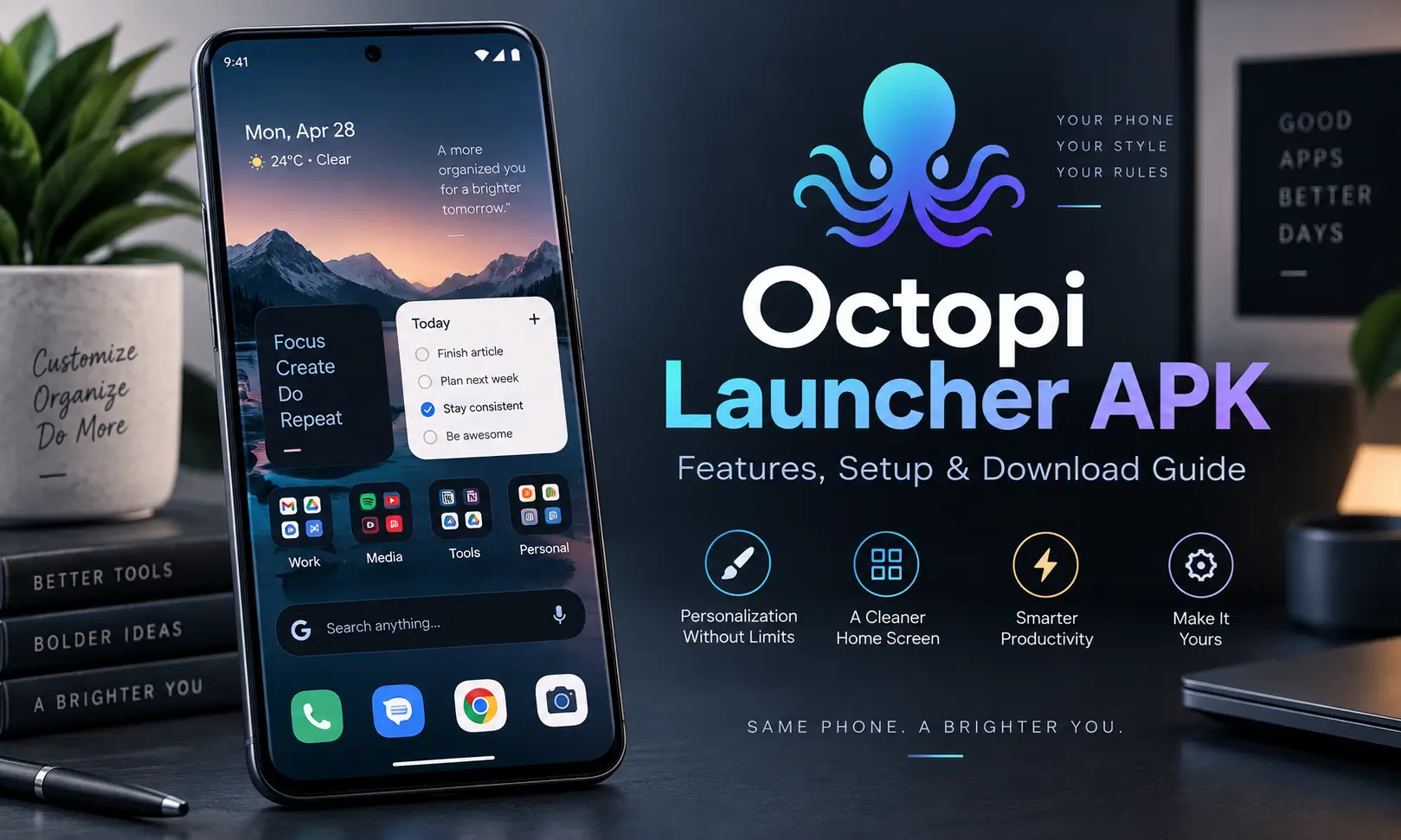
If you are tired of the same basic Android home screen and want something that feels more organized and flexible, Octopi Launcher APK is an interesting launcher to try. Instead of focusing only on icon packs and wallpapers, Octopi puts a lot of attention on widgets, app organization, custom layouts, folders, and different ways to control your home screen.
What caught my attention about Octopi Launcher app is that it does not try to copy the usual launcher layout. Features such as auto-scrolling widget stacks, pinned widgets, tag-based app organization, customizable app drawers, separate portrait and landscape layouts, and foldable-phone support make it useful for people who actually want to redesign how they use their phone.
The latest version covered of this launcher is Octopi Launcher 1.895, developed by OctopiAppFactory. The app is designed for Android devices, although supported Android versions can vary depending on the APK variant you install. For more launchers, check: Download Prism Launcher & Download Zalith Launcher.
Octopi Launcher APK Overview
| App Details | Information |
|---|---|
| App Name | Octopi Launcher • Home Screens |
| Developer | OctopiAppFactory |
| Latest Version | 1.895 |
| Package Name | com.otp.octopilauncher |
| Category | Personalization / Launcher |
| Android Requirement | Android 8.0+ |
| File Size | Roughly 4 MB–10.5 MB depending on build |
| Premium Option | One-time Pro unlock |
| Main Purpose | Home screen customization and app organization |
What Is Octopi Launcher APK?
Octopi Launcher APK is an Android home screen replacement designed for users who want more control over widgets, icons, folders, app organization, and screen layouts.
When you install a launcher, it does not replace Android itself. Instead, it changes the interface you interact with after unlocking the phone. Your apps remain installed, but the way they appear and are organized can change dramatically.
Octopi android launcher takes this idea further than simply giving you another icon grid. Its main strengths are widget stacks, flexible app drawers, swipe actions, resizing options, support for different orientations, and layouts designed for both conventional phones and foldable devices.
According to the app’s own changelog information reproduced by APK repositories, Octopi Launcher had crossed 200,000 downloads by version 1.895.
Why Octopi Launcher Pro APK Feels Different?
There are already plenty of Android launchers, so simply changing icon sizes is no longer enough to make one stand out.
Octopi’s approach seems to be based more on creating a functional home screen rather than just a decorative one.
You can build widget stacks, organize apps using folders and tags, highlight important widgets, resize icons, use icon packs, hide interface elements, and even prepare separate layouts for portrait and landscape mode.
For someone who keeps many apps installed, this type of organization can make the phone feel much cleaner.
Best Features
Intelligent Widget Stacks
Widget stacks are one of Octopi Launcher’s most distinctive features.
Instead of filling several home screens with separate widgets, you can group widgets into stacks. Octopi supports automatically scrolling through widgets, which means useful information can rotate within the same area of your home screen.
This can work well for things like calendars, weather widgets, music controls, notes, tasks, or other information that you want available without covering the entire screen.
The launcher also allows users to cycle through widgets manually.
Floating and Pinned Widgets
Not every widget deserves permanent space on the home screen.
Octopi allows important widgets to be highlighted or pinned so you can create a layout where frequently used information remains easy to reach.
It is a small feature, but it becomes useful when you are trying to build a home screen around productivity rather than simply placing icons everywhere.
Flexible App Drawer
The app drawer is another area where Octopi offers more control.
Apps can be displayed using grid-style icons, while folders and favorites help reduce the amount of scrolling required.
If you have dozens or even hundreds of apps installed, grouping them logically makes a noticeable difference.
Instead of searching through one endless alphabetical list, you can create a structure around the apps you actually use.
Tags for Better App Organization
Octopi also supports tag-based organization.
Tags can be useful if one app belongs to more than one category. For example, an editing app could belong under both “Work” and “Photo,” while a messaging app could appear inside “Social” and “Favorites.”
This gives you more flexibility than relying only on traditional folders.
Custom Swipe Actions
Swipe actions let you perform additional tasks directly from icons.
That can reduce the number of taps needed for common actions and makes your home screen feel more interactive.
Users who enjoy building highly customized Android layouts will probably appreciate this feature more than people who prefer a completely basic launcher.
Resizable Icons
Octopi Launcher lets you adjust icon sizing instead of forcing every home screen into the same standard appearance.
Large icons work well for accessibility or minimalist layouts, while smaller icons allow more apps to fit onto a single page.
The available competitor research also mentions customization around fonts, spacing, padding, and alignment, giving users more control over how the screen is arranged.
Portrait and Landscape Layouts
One feature I particularly like in the concept of Octopi Launcher is separate layout support for portrait and landscape orientation.
A layout that looks good while holding your phone vertically does not always translate nicely when the device rotates.
By supporting different layouts, Octopi launcher apk can make better use of the available screen space.
Foldable Phone Support
Foldable phones create another challenge for conventional launchers because the available screen area changes dramatically when the device opens.
Octopi includes support for foldable devices and can work with different layouts for folded and unfolded states.
For users with larger foldable phones, this can be much more practical than stretching the same layout across both screens.
Icon Pack and Shortcut Support
Anyone who enjoys customizing Android usually wants to use third-party icon packs.
Octopi launcher icon packs as well as shortcuts, allowing you to change the overall visual style without losing the organizational features of the launcher.
This means you can keep the functional layout while giving the phone a completely different appearance.
Notification Badges
Notification badges let you see when an app has pending activity without opening it.
Octopi includes badge support, which is useful for messaging, email, social media, productivity apps, and other services where you do not want to miss an update.
Index Bar and Reachability Features
On phones with larger displays, reaching apps near the top of the screen can become uncomfortable.
Octopi includes an index bar and reachability-related features designed to make navigation easier.
This becomes more useful as phone displays continue getting larger.
Hide Status and Navigation Bars
People building clean or minimalist home screens may prefer fewer interface elements.
Octopi gives users options related to hiding the status bar and navigation bar, creating more usable screen space and a less cluttered appearance.
Private Space and Work Profile Support
The octopi launcher apk also includes support for Android features such as private spaces and work profiles.
That can be useful if you use the same phone for personal and professional apps and want to keep the two environments easier to manage.
Lock Your Home Screen Layout
After spending time arranging icons, folders, widgets, and spacing, accidentally moving something is annoying.
Octopi allows you to lock the home screen layout so your carefully arranged setup does not get changed by mistake.
The broader feature set reported across competitor listings includes widget stacks, foldable support, folders, favorites, tags, swipe actions, resizable icons, notification badges, icon-pack support, navigation controls, private-space support and layout locking.
Octopi Launcher Mod Features
Octopi Launcher APK uses a premium model with a one-time Pro unlock rather than relying only on a recurring subscription model.
This is a pro version which is available for a one-time payment, with some sources referring to promotional launch pricing.
The exact features available in free and Pro versions can change between releases, so checking the current app listing before purchasing is sensible.
You can also download Octopi Launcher MOD APK Premium Unlocked. This is the modified versions and are different from the standard release provided by the original developer.
How to Install Octopi Launcher APK on Android
Installing Octopi Launcher mod apk is very simple and just took few steps.
Step 1: Download the Correct APK Variant
Choose a build that matches your Android version and device architecture.
Some Octopi builds are available for different architectures, including ARM and other processor configurations, so choosing the correct variant is important.
Step 2: Allow APK Installation
If Android blocks the installation, open the security prompt and allow your browser or file manager to install apps from that source.
The exact wording varies between Android manufacturers.
Step 3: Open the APK File
Go to your Downloads folder and tap the Octopi Launcher APK.
Select Install and allow Android to complete the installation.
Step 4: Set Octopi as Your Default Launcher
After installation, press the Home button.
Android should ask which home app you want to use. Select Octopi Launcher apk and choose the option to use it as your default home application.
You can change back to your previous launcher later through Android’s default-app settings.
Setting Up Octopi Launcher GitHub for the First Time
Once github Octopi launcher apk is active, I would avoid changing every setting immediately.
Start with the basics.
Choose your grid size, adjust icon dimensions, add your main apps, and create one or two folders. After that, experiment with widgets and widget stacks.
Once the basic layout feels comfortable, you can explore tags, swipe actions, notification badges, icon packs, pinned widgets, landscape layouts, and other advanced options.
Taking this approach makes the launcher easier to understand than changing twenty settings at once and then trying to work out which option caused a particular result.
Does Octopi Launcher APK Use Accessibility Permission?
The available app descriptions mention Android’s AccessibilityService permission. AccessibilityService is used for a screen-off gesture rather than for collecting user data.
If you enable accessibility-related features, Android may show the standard accessibility permission screen before allowing the launcher to use them.
Is Octopi Launcher Good for Foldable Phones?
Foldable support is one of the reasons Octopi stands out.
The launcher supports layouts designed around folded and unfolded device states rather than treating both displays exactly the same way.
If you own a foldable phone and frequently switch between the cover display and larger internal screen, this flexibility may be more valuable than cosmetic launcher features.
Does Octopi Launcher Download APK Drain Battery?
In practical terms, battery usage will also depend on how many live widgets, notification features, animations, and continuously updating components you add to your setup.
If you want a lighter configuration, use fewer constantly refreshing widgets and keep unnecessary visual effects limited.
Is Octopi Launcher APK Free?
Octopi Launcher can be used as a launcher without immediately buying every premium feature. A Pro upgrade is also available through a one-time unlock according to the researched listings.
This is useful for people who prefer purchasing software once instead of paying another monthly subscription.
Final Thoughts
Octopi Launcher APK is worth looking at if you want more than a simple Android home screen replacement.
Its strongest features are not flashy wallpapers or unnecessary effects. The real attraction is the amount of control it provides over widgets, app organization, folders, tags, icon sizes, swipe actions, notification badges, screen orientation, and foldable layouts.
Widget stacks are particularly useful because they allow several pieces of information to share the same screen space. Combine that with pinned widgets, folder organization, separate portrait and landscape layouts, icon packs, and layout locking, and Octopi becomes a flexible option for people who enjoy creating a home screen around the way they actually use their phone.
If you prefer keeping Android simple, you can start with a basic Octopi setup and ignore most advanced options. If customization is your hobby, there is much more to explore once you begin experimenting with widgets, tags, gestures, grids, and different screen layouts.
Frequently Asked Questions

Abhishek Sharma is a technology enthusiast and experienced content writer with a strong interest in mobile apps, games, software, and the latest developments in the digital world. He enjoys exploring new applications and gaming platforms, testing their features, and sharing useful information in a simple and easy-to-understand way.