
Skyline Emulator APK Download Latest v 5.2.0 For Android
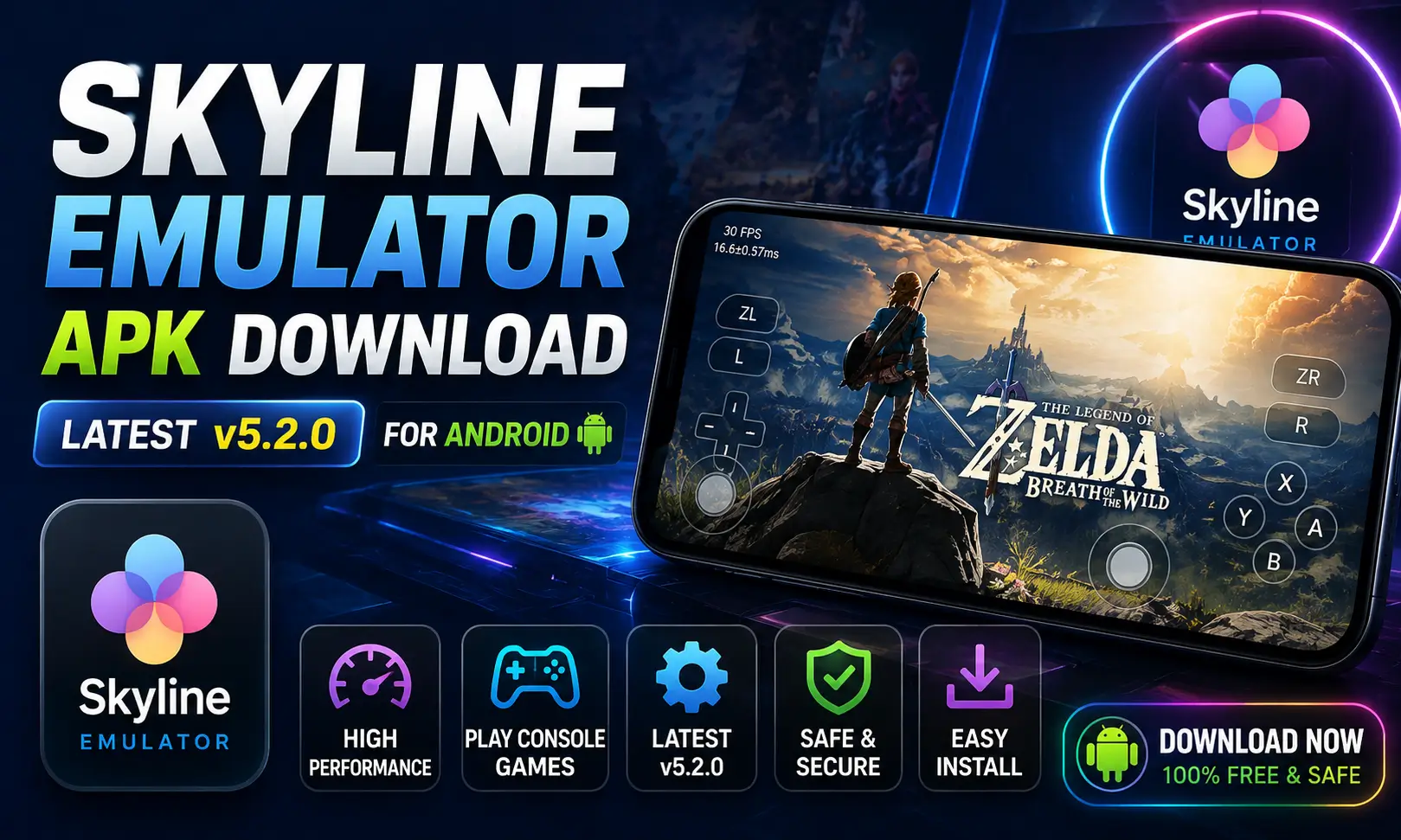
If you searched for “skyline emulator apk,” you’re probably trying to play Nintendo Switch games on your Android phone. That’s a fair goal, and a lot of people want the same thing.
But before you tap download on any site, there’s something you need to know: the original Skyline project stopped active development back in 2023. That single fact changes how you should read every “latest version” or “2024 update” claim you see online, including on some of the download pages currently ranking for this search.
This guide covers everything people actually search for around Skyline: the APK itself, its GitHub source, compatible games, “Skyline Edge,” older versions, and how to tell a genuine download from a repackaged one.
What is the Skyline Emulator APK?
Quick answer: The Skyline emulator APK is the Android installer for Skyline, an open-source Nintendo Switch emulator built by former Citra developers. It let users run Switch game files like NSP and XCI on a phone, using their own dumped console keys.
Skyline was written in C++, licensed under the Mozilla Public License 2.0, and hosted on GitHub under the skyline-emu organization. It was never a commercial app and was never sold or branded under a company name.
Current status
In May 2023, the Skyline team announced they were halting all work on the project. This followed a DMCA notice tied to Lockpick, a separate tool used to dump Switch security keys. The team said continuing development put them at legal risk with Nintendo.
The GitHub repository is now labeled “Skyline (Discontinued).” A community fork called Strato tried to continue the work but also stopped updating in 2024. As of 2026, there is no actively maintained, official build of Skyline.
Keep this in mind for every section below, especially anything about “latest version” downloads.
Skyline Emulator APK on GitHub
The most reliable reference point for Skyline is still its original GitHub page, even though it’s archived as discontinued.
- Repository:
github.com/skyline-emu/skyline - License: Mozilla Public License 2.0 (open-source, code publicly viewable)
- Status label: Discontinued
- Last meaningful activity: 2023, with a community fork (Strato) stalling in 2024
If you want to confirm whether any APK you find elsewhere is genuinely tied to this project, check whether the source links back to this GitHub organization. If it doesn’t, treat it as a separate, unverified app rather than “the real Skyline.” Also try: mcpro24fps Mod Apk & InstaGold APK.
Skyline Emulator vs. “Skyline Edge”
You may also see APKs branded as Skyline Edge on some download sites, sometimes listed with version numbers like v72 or higher, and a different developer name than the original project.
Here’s the honest picture:
- The original Skyline project was never sold under a branded name like “Skyline Edge,” “EJ Entertainment Ltd.,” or similar labels seen on some third-party download pages.
- The real project’s version history never reached numbers like “5.2.0.” It stopped as an experimental, early-stage emulator in 2023.
- Some sites offering these branded APKs also sell separate “production keys” downloads, which is a red flag, legitimate production keys should only come from a console you personally own, not a paid or bundled file.
This doesn’t automatically mean every such site is unsafe, but it does mean these are not verified continuations of the original open-source Skyline project. Treat them as unofficial, unverified software, and apply the same caution you’d use with any APK from outside the Play Store.
Skyline Emulator Games: What Was Actually Compatible
Skyline was never a “play everything” emulator, even during active development.
- Compatibility was inconsistent and varied by title.
- Some Pokémon and 2D-leaning titles were commonly reported as more playable.
- Many demanding 3D titles ran poorly, had graphical bugs, or didn’t boot at all.
- The project’s own GitHub maintained a compatibility list; no other source should be treated as more accurate than that.
If a download site claims Skyline runs “most” or “all” Switch games smoothly, treat that claim skeptically. It doesn’t match what the original developers or community testers reported, even at the project’s most active point.
Skyline Emulator APK: Old Versions and “2024” Builds
Because development stopped in 2023, anything labeled “Skyline emulator apk 2024” or later is not an official new release. A few honest possibilities exist:
- A cached older build from 2023, simply re-uploaded or re-dated by a third-party site.
- A community fork (like Strato), which also stopped updating in 2024.
- An unrelated app reusing the Skyline name to attract search traffic, unconnected to the original codebase.
If you specifically want the last known build tied to the real project, the safest path is checking release history directly on the GitHub repository rather than trusting a download site’s version label.
Requirements
| Requirement | Original Skyline Specification |
|---|---|
| Operating System | Android 8.0 or higher |
| Architecture | 64-bit ARMv8 devices only |
| RAM | 6 GB or more recommended |
| Storage | Several GB free, depending on game size |
| Game Files | User-owned NSP/XCI dumps |
| Keys | Production keys dumped from your own console |
| Controller Support | Touchscreen, plus Bluetooth/USB controllers |
Some third-party listings show different minimums (for example, Android 10 or 4GB RAM for “Skyline Edge” builds). Since these aren’t verified against the original project, treat their specs as unconfirmed.
How to Check if a Skyline APK Download Is Genuine
| Check | Why it matters |
|---|---|
Source links back to github.com/skyline-emu | Confirms it traces to the original project, not a rebrand |
| Developer name matches the open-source project, not a company brand | The real project was never commercially branded |
| File size and version history are consistent with public records | Inflated version numbers (like “5.2.0”) don’t match the project’s real history |
| No request for extra permissions (SMS, contacts, camera) | An emulator has no legitimate reason to need these |
| No forced multi-page redirects before the file downloads | A common trick used by ad-heavy download sites |
How to Install the Skyline Emulator APK
Since it’s distributed outside the Play Store, installing it means sideloading. General steps:
- Go to Settings > Apps > Special app access > Install unknown apps on your Android device.
- Allow your browser or file manager to install unknown apps, just for this one install.
- Download the APK only from a source you’ve checked against the criteria above.
- Open the file and tap Install when prompted.
- Turn the “install unknown apps” permission back off once you’re done, as a habit.
- Open the app, add your own production keys, and point it to your own legally owned game files.
Common Problems and Fixes
| Problem | Likely Cause | Solution |
|---|---|---|
| App won’t launch a game | Missing or invalid production keys | Re-dump keys from your own console |
| Poor frame rate or stuttering | Device below recommended specs, or demanding title | Lower graphics settings, close background apps |
| Game not detected | Wrong file format or folder path | Recheck the folder path and file format in settings |
| Controller not responding | Bluetooth pairing issue | Re-pair the controller and check control mapping |
| App crashes on specific titles | Known compatibility gap | Check the project’s compatibility list before assuming a fix exists |
| Suspicious APK behavior | Unofficial or repackaged build | Uninstall immediately and stick to verified sources |
Conclusion
Skyline was a genuinely useful, community-built project during its active years. But since 2023, it’s been discontinued, and no official new versions exist.
Before installing any APK labelled Skyline, Skyline Edge, or a “2024/2026 latest version,” check it against the original GitHub source first. Stick to your own legally owned games and your own console’s keys, and treat inflated version numbers or unfamiliar developer names as a signal to slow down, not a reason to trust the download more.

Josh is a technology writer and app enthusiast who specializes in Android apps, mobile games, APK downloads, and digital tools. He enjoys testing new applications, exploring game features, and creating easy-to-follow guides that help readers install, use, and troubleshoot apps with confidence.