
Sony Camera APK Download v1.0.2.A.0.8 for Android 2026
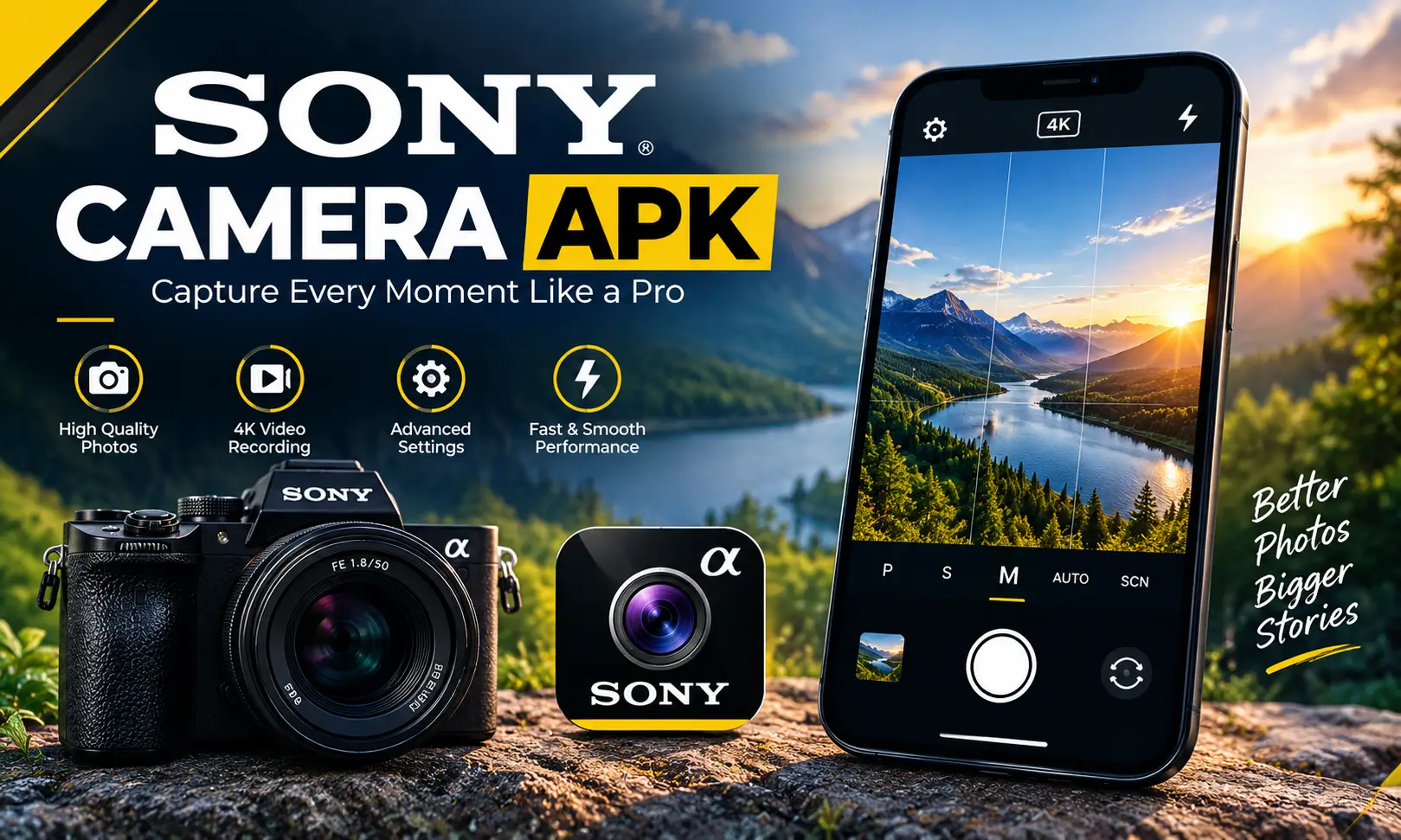
The Sony Camera APK brings a straightforward photography experience to compatible Sony Xperia smartphones. Its clean interface keeps the shutter button and gallery shortcut within easy reach, while manual settings such as shutter speed, ISO, and white balance give you more control over how your photos look. Some Xperia devices come with the camera app preinstalled, making it part of the phone’s built-in photography experience.
If you want to install the app manually, You can download sony camera apk from jzaas. The Sony Camera apk latest version is for Android 15 and higher, while older releases support certain devices running Android 12, 13, and 14.
Sony Camera APK Information
Here is the app details which every visitor should know.
| App Detail | Information |
|---|---|
| App Name | Sony Camera |
| Developer | Sony Mobile Communications |
| Package Name | jp.co.sony.mc.cameraapp |
| Latest Version | 1.0.2.A.0.8 |
| File Size | 42.56 MB |
| Release Date | March 19, 2026 |
| Minimum Android | Android 15 |
| Architecture | arm64-v8a |
| License | Proprietary |
| Price | Free |
| Digital Signature | Sony Mobile Communications |
| Languages | 77 |
| Category | Photography |
What Is Sony Camera APK?
Sony Camera APK is a camera application developed for Sony Xperia smartphones. It provides the basic tools needed to take photographs without requiring users to navigate a complicated interface.
The sony camera app combines automatic photography with selected manual adjustments. You can point your phone at a subject, frame the shot, and capture an image, or change supported camera settings to suit the lighting and scene.
One of its practical advantages is its simple layout. The shutter button is easy to find, and the gallery shortcut lets you review recently captured photos without leaving the camera experience for long. Also check: Mico Live Wallpaper APK & mcpro24fps Apk Mod.
Key Features of Sony Camera Mod APK
1. Simple and Easy-to-Use Interface
The camera interface focuses on the essential controls. You can frame a subject, press the shutter button, and take a picture without spending time adjusting multiple menus.
The gallery shortcut also makes it convenient to check the result immediately. You can review a photo, decide whether you want another shot, and return to the camera.
This straightforward approach works well for everyday photography, including family pictures, travel moments, food, and casual outdoor shots.
2. Manual Shutter Speed Control
Shutter speed determines how long the camera sensor receives light during a photograph. When the app and Xperia device support manual adjustment, you can use this setting to influence both exposure and motion.
A faster shutter speed can help capture moving subjects more sharply in suitable lighting. A slower shutter speed allows more light to reach the sensor but can introduce blur if the phone or subject moves.
For example, when photographing a moving pet outdoors, a faster shutter speed may help preserve detail. For dim scenes, a slower setting can be useful when the phone is held steadily.
3. ISO Adjustment
ISO controls the camera sensor’s sensitivity setting for exposure. Raising ISO can help when shooting in darker environments, while a lower ISO is generally preferable in bright conditions when you want to limit image noise.
If you are taking pictures indoors, adjusting ISO may help balance brightness and shutter speed. However, a very high setting can make a photograph look grainy, especially in dark areas.
Manual ISO is useful for photographers who want more control than automatic exposure alone provides.
4. White Balance Settings
White balance helps the camera reproduce colors more naturally under different lighting conditions. Indoor bulbs, daylight, and cloudy skies can all affect how white objects and other colors appear in a photograph.
With supported manual controls, you can adjust white balance to better suit the environment. This can help prevent indoor pictures from looking overly yellow or outdoor images from appearing too cool.
5. Quick Gallery Access
The gallery shortcut provides a convenient way to review the pictures you have just taken. You can check composition, focus, and exposure before moving on to the next shot.
This is especially useful when taking several pictures of the same subject. Instead of navigating through different menus, you can quickly inspect your latest capture and return to shooting.
6. Integration With Sony Xperia Devices
Sony Camera APK 4K is intended for compatible Xperia smartphones and may come preinstalled on selected models. Its behavior can depend on the device’s camera hardware, system software, and supporting components. This integration is important.
What’s New in Sony Camera APK Latest Version?
The latest version belongs to the newer Sony Camera package, jp.co.sony.mc.cameraapp, which targets Android 15 and higher. Its main purpose remains straightforward photography with supported camera controls and a simple shooting interface.
There is no need to assume that every update introduces a new shooting mode or major interface redesign. Camera app updates can also involve compatibility adjustments, system integration, and general improvements.
Sony Camera APK Compatibility With Android Versions
| Android Version | Compatible Release Reference | Notes |
|---|---|---|
| Android 12 | 2.9.A.0.24 | Legacy package, 37.15 MB |
| Android 13 | 1.0.A.0.31 or 1.0.A.0.29 | Older releases with Android 13 support |
| Android 14 | 1.0.1.A.0.17 or 2.9.2.A.0.10 | Choose the build that matches your device |
| Android 15 | 1.0.2.A.0.8 | Newer package, Android 15 or higher |
| Android 16 | 1.0.2.A.0.8 | Meets the stated Android requirement; device compatibility still applies |
Sony Camera APK for Android 12
If you need a sony camera apk for android 12, the legacy 2.9.A.0.24 version is a better choice. It has a file size of 37.15 MB and supports Android 12 or higher.
Sony Camera APK for Android 13
For a sony camera apk for android 13, older versions such as 1.0.A.0.31 and 1.0.A.0.29 are better options. The 1.0.x family uses the newer package name, while certain 2.x releases belong to the legacy package.
Sony Camera APK for Android 14
For android 14, builds such as 1.0.1.A.0.17 or 2.9.2.A.0.10 are the better options. Their file sizes are 42.74 MB and 44.05 MB, respectively.
Sony Camera APK for Android 16
The current package has a minimum requirement of Android 15 or higher. Therefore, a sony camera apk for android 16 meets the operating system requirement in principle.
Sony Camera APK Old Version
Older releases can be useful if a newer package does not match your device or you need a version compatible with an earlier Xperia software configuration.
| Version | Best Use |
|---|---|
| 2.7.2.A.0.18 | Legacy version reference |
| 2.8.2.A.0.15 | Older package option |
| 2.9.1.A.0.13 | Legacy release |
| 2.9.A.0.24 | Android 12 compatibility reference |
| 2.9.2.A.0.10 | Android 14 compatibility reference |
| 1.0.1.A.0.17 | Older 1.0.x release |
| 1.0.A.0.29 | Android 13 compatibility reference |
| 1.0.A.0.31 | Android 13 compatibility reference |
How to Download Sony Camera APK for Android
If your phone supports the newer Sony Camera package, use the following details to identify the correct file.
| Download Detail | Information |
|---|---|
| App | Sony Camera |
| Version | 1.0.2.A.0.8 |
| File Size | 42.56 MB |
| Android Requirement | Android 15 or higher |
| Architecture | arm64-v8a |
| Package | jp.co.sony.mc.cameraapp |
| Suggested File Name | jp.co.sony.mc.cameraapp_1.0.2.A.0.8.apk |
How to Install Sony Camera APK on Android
Follow these steps to install the APK manually on a compatible device.
- Download the APK: Install the apk version that matches your Xperia phone and Android release.
- Open the downloaded file: Find it in your Downloads folder or your device’s file manager.
- Allow installation: Android may ask you to permit installation from the app you are using to open the APK.
- Install the application: Follow the on-screen instructions and wait for the installation to finish.
- Open Sony Camera: Launch the app and check whether the camera interface and supported controls work correctly.
Permissions Required by Sony Camera APP APK
| Permission | Purpose |
|---|---|
| Camera | Capture photographs |
| Microphone | Record audio when supported recording functions use it |
| Location | Attach location information to photos when enabled |
| Storage and media | Access or save media where required by the Android version |
| Bluetooth | Support relevant device connections where applicable |
| Wi-Fi | Support applicable connectivity features |
| Notifications | Display relevant app notifications where supported |
Does Sony Camera APK Support 4K Recording?
Yes, Sony Camera Premium APK support 4k recording in the latest versions.
Video resolution depends on the Xperia model, its camera hardware, the installed software, and the recording modes supported by that device. Check your phone’s built-in camera options to confirm the available video resolutions and frame rates.
Final Verdict
Sony Camera APK is a practical option for compatible Xperia users who want the familiar Sony photography interface, quick gallery access, and manual control over settings such as shutter speed, ISO, and white balance.
The most important step is choosing the correct package generation. The latest version is for Android 15 and higher, while older versions may suit Xperia devices running Android 12, 13, or 14. Check your phone’s compatibility before installing, and use the original Sony-signed APK.
Frequently Asked Questions

Abhishek Sharma is a technology enthusiast and experienced content writer with a strong interest in mobile apps, games, software, and the latest developments in the digital world. He enjoys exploring new applications and gaming platforms, testing their features, and sharing useful information in a simple and easy-to-understand way.