
Splice APK v2.0.255 Download Mod Video Editor for Android/PC
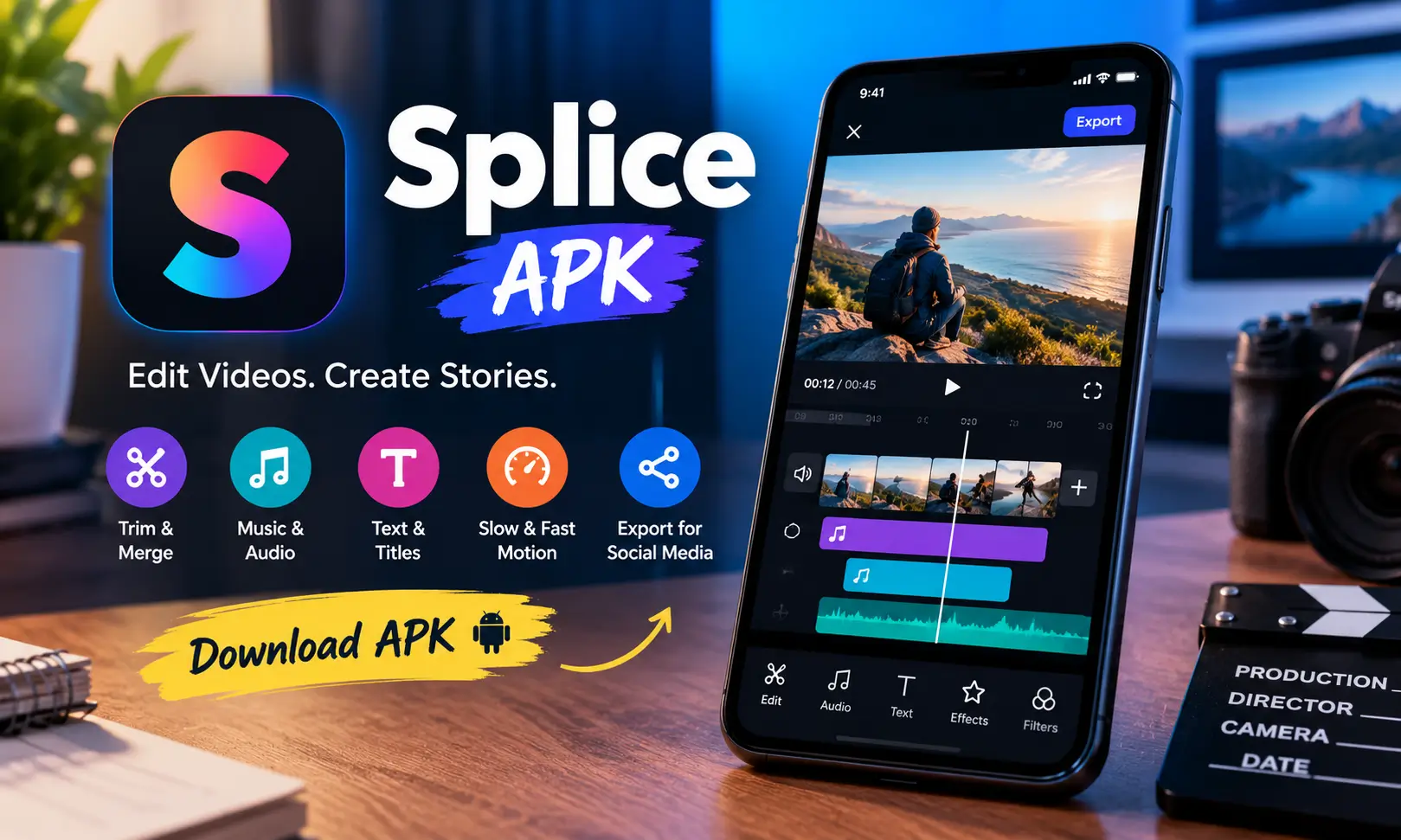
Editing a good-looking video on a phone used to mean either dealing with complicated controls or accepting a very basic result. Splice video editor and maker takes a more practical approach. It gives Android users a timeline-based video editor where trimming clips, adding music, changing speed, inserting text, and preparing videos for social media can all be handled from one place.
I like Splice apk mainly because it doesn’t make ordinary edits feel unnecessarily technical. You can start with a few clips or photos, arrange them on the timeline, make your changes, and export the finished project without needing desktop editing experience.
The Splice APK latest version for Android is 2.0.255.102439. It is developed by Bending Spoons, uses the package name com.splice.video.editor, and generally require Android 8.0 or newer. Also try: AirVid APK Mod & Vmake Pro APK.
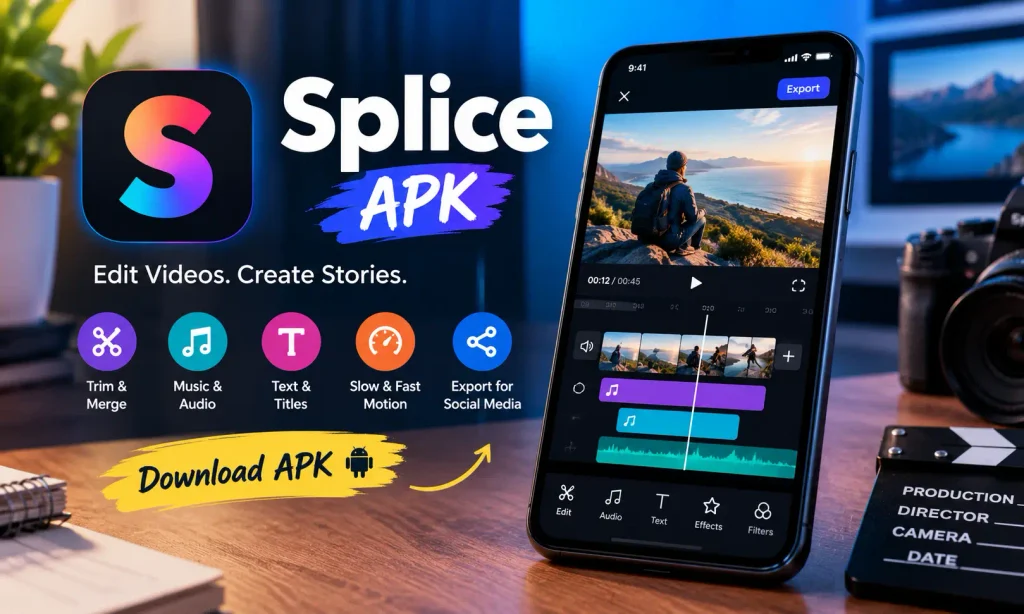
Splice APK Details
| App Information | Details |
|---|---|
| App Name | Splice – Video Editor & Maker |
| Latest Version | 2.0.255.102439 |
| Developer | Bending Spoons |
| Package Name | com.splice.video.editor |
| Category | Video Players & Editors |
| File Format | XAPK |
| File Size | Around 102–105 MB |
| Android Requirement | Android 8.0+ |
| Price | Free |
| Content Rating | Everyone |
What Is Splice Video Editor APK?
Splice apk is a mobile video editor designed to bring commonly used editing tools into a relatively simple smartphone interface. Instead of limiting you to automatic templates, it gives you direct control over individual clips and other elements of a project.
A typical project starts by importing videos or photos. You can then select a format based on where the finished video will be published and begin working with the timeline.
This makes the splice app useful for more than one type of creator. Someone making short social clips can use it for quick cuts and music, while a user putting together a travel video, slideshow, tutorial, or longer personal project can take advantage of its timeline and export options.
Features That Make Splice Useful
Trim, Cut and Combine Video Clips
The tools I use most often in any mobile editor are the simplest ones: cutting unwanted footage and putting the remaining clips in the correct order.
Splice provides trimming, cutting, joining, and merging controls for this purpose. You can shorten individual clips and organize several pieces of footage into one continuous project. Photos can also be incorporated when creating slideshows and similar edits.
The advantage is that you don’t have to move a project to a computer just to clean up a few seconds of footage.
Slow Motion and Speed Effects
Speed controls can completely change how a clip feels.
Splice apk mod supports slow-motion and fast-motion editing along with effects such as timelapse and hyperlapse. Slowing down a particular moment can emphasize an action, while increasing the speed is useful when condensing longer activities such as travel, cooking, drawing, or setup footage.
The key is moderation. I’ve found that speed changes generally look much better when they’re used on selected moments instead of constantly throughout a video.
Music and Audio Editing
Audio is one of Splice’s stronger areas.
The app’s feature set includes a music library, multi-track mixing, and volume controls. You can combine music with the original sound from your video instead of simply replacing one with the other.
Voice and other sounds can also be incorporated into a project. That makes the editor suitable for tutorials, commentary videos, short explainers, and social content where narration matters just as much as the visuals.
Text and Video Overlays
Splice pro apk allows titles and text overlays to be placed over a video. Basic customization includes choices such as font, size, and color, while fade effects can help the text appear and disappear more naturally.
This sounds like a small feature, but it is particularly valuable for short-form content. A clear title or a few words of context can make a video understandable even before someone turns the sound on.
Social Media Aspect Ratios
One frustrating part of editing for several platforms is having to rework a video because the frame doesn’t fit.
Splice for pc offers formats suitable for popular social platforms, including content intended for Instagram posts, Stories and Reels, TikTok, YouTube, Snapchat, and widescreen video.
Choosing the intended format at the beginning saves a surprising amount of work later because you can compose the project around the correct frame from the start.
High-Quality Video Export
After editing, Splice apk lets you save the completed video to your device and share it with other platforms.
Full HD output is supported, and Splice listings also reference export at up to 4K resolution. The best resolution to choose depends on your original footage and where you intend to publish it. Exporting low-resolution source material at 4K won’t magically create extra detail, so I normally match the export settings to the quality of the footage.
How Editing Works in Splice APK on Android?
The workflow is straightforward even if you haven’t used a timeline editor before.
Start a new project and import the videos or photos you want to use. Select the aspect ratio for the destination platform, then arrange the clips in your preferred order.
From there, trim unnecessary sections and adjust individual clips. You can change playback speed, crop footage, apply effects, insert text, and work with music or voice audio.
Before exporting, play the complete project from beginning to end. This final preview is worth doing because small problems an abrupt cut, text disappearing too quickly, or music being louder than speechare much easier to notice when watching the video normally.
Once everything looks right, choose the required resolution, export the video, and save or share it.
How to Download and Install Splice APK Mod on Android
- Visit jzaas.net and open the Splice APK download page.
- Tap the Download Splice APK button and wait for the APK file to download.
- Open your phone’s Downloads folder and locate the downloaded file.
- Tap the APK file to start the installation.
- If Android shows a security message, allow your browser or file manager to install unknown apps.
- Return to the APK file and tap Install again.
- Wait for the installation to complete, then tap Open.
- If you downloaded an XAPK version, use a compatible XAPK installer to install the package and its required files.
- On the first launch, allow only the permissions Splice needs for the features you plan to use
Splice APK Old Versions
Older releases can be useful when researching compatibility or tracking changes to the Android app.
| Version | Release Listing | Approx. Size |
|---|---|---|
| 2.0.255.102439 | November 2025 | 102.1 MB |
| 2.0.254.102436 | August 2025 | 101.4 MB |
| 2.0.247.102297 | September 2024 | 90.4 MB |
| 1.19.238.89135 | November 2022 | 129.7 MB |
Splice vs Other Android Video Editors
Splice sits in a crowded category that includes CapCut, InShot, KineMaster, Filmora, YouCut, and YouTube Create.
Its appeal is less about having the largest possible collection of effects and more about balancing useful editing controls with an interface that remains manageable on a phone.
CapCut is particularly attractive to people heavily focused on trends, effects, and short-form social content. InShot is convenient for fast everyday edits. KineMaster provides a more traditional mobile editing environment for users who want deeper controls.
Splice fits nicely between simple one-tap editors and more complicated mobile production tools. If your priorities are trimming, music, speed adjustment, text, aspect-ratio control, and polished exports without an intimidating workspace, it is an appealing option.
Pros and Cons of Splice APK Online
| Pros | Cons |
|---|---|
| Clean mobile editing workflow | Some functionality requires a subscription |
| Useful trimming and merging controls | New users may need time to understand timeline editing |
| Slow-motion and fast-motion effects | XAPK installation is less convenient than direct Google Play installation |
| Music and multi-track audio options | Advanced editors may want deeper desktop-style controls |
Final Thoughts
Splice apk is a good example of how capable mobile video editing has become. You can take raw clips, remove unnecessary footage, rearrange scenes, adjust speed, mix music and audio, add titles, prepare the correct social-media format, and export the finished project without moving to a desktop editor.
What stands out most to me is the balance. It offers considerably more control than a basic video cutter while remaining approachable for someone who simply wants to turn phone footage into something polished.
For creators regularly producing Reels, TikToks, YouTube videos, travel clips, slideshows, or personal projects, Splice APK free provides the core tools needed for a complete mobile editing workflow.
Frequently Asked Questions

Abhishek Sharma is a technology enthusiast and experienced content writer with a strong interest in mobile apps, games, software, and the latest developments in the digital world. He enjoys exploring new applications and gaming platforms, testing their features, and sharing useful information in a simple and easy-to-understand way.