
Download SMS Virtual APK v1.4.1 Receive Free SMS Online 2026
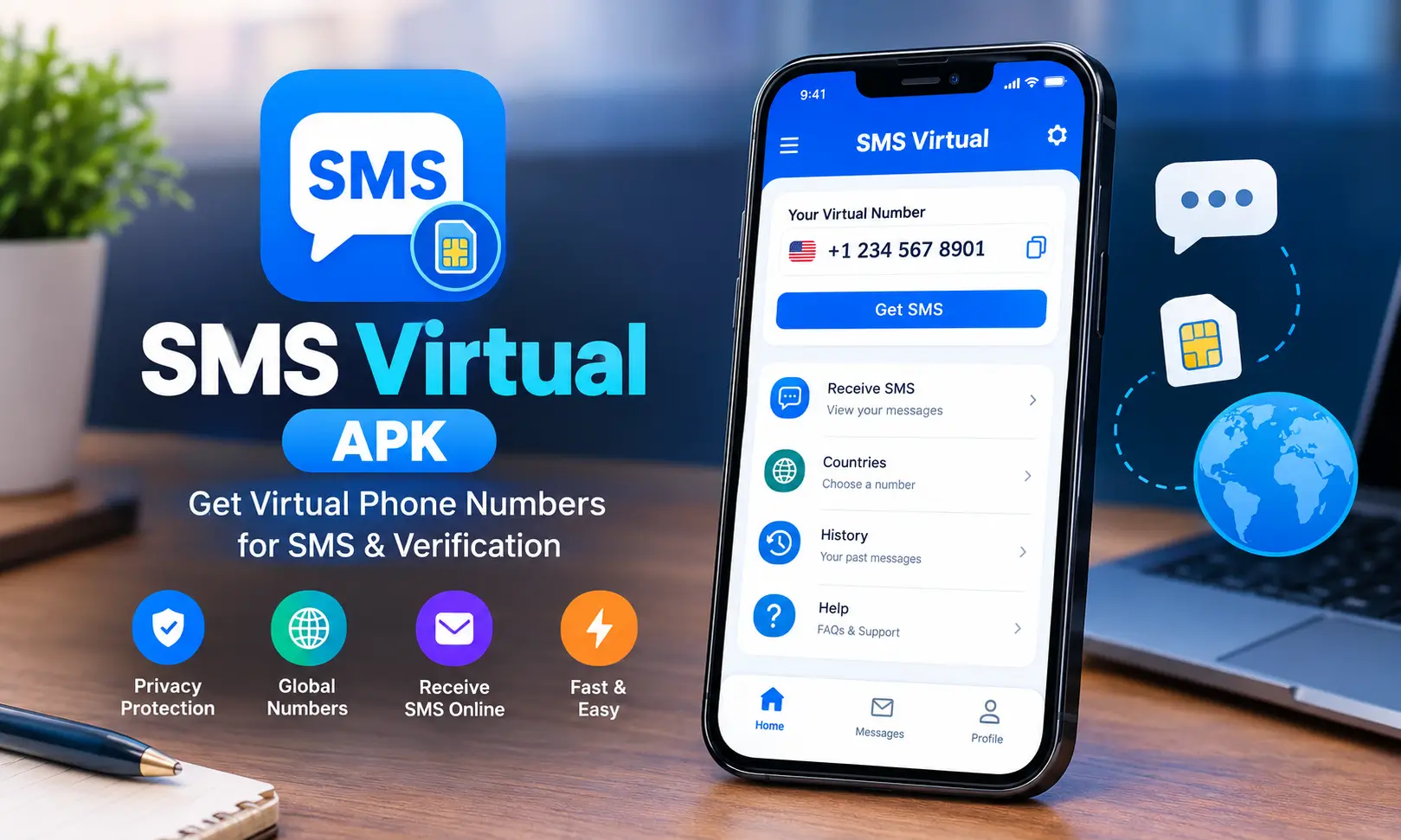
SMS Virtual APK is a useful option for people who need a second phone number to receive verification messages without sharing their personal number. It provides virtual numbers for different countries and online services, allowing users to receive SMS codes directly inside the app.
Whether you want to register for an online service, test an account, or keep your primary number private, SMS Virtual – Receive SMS offers a straightforward way to handle SMS verification. The app is free to install, but using a virtual number generally requires credits, with the price depending on the selected country and service.
In this guide, you will learn how the sms virtual app works, how to download and install it, how the credit system operates, and what to know before using SMS Virtual for WhatsApp verification.
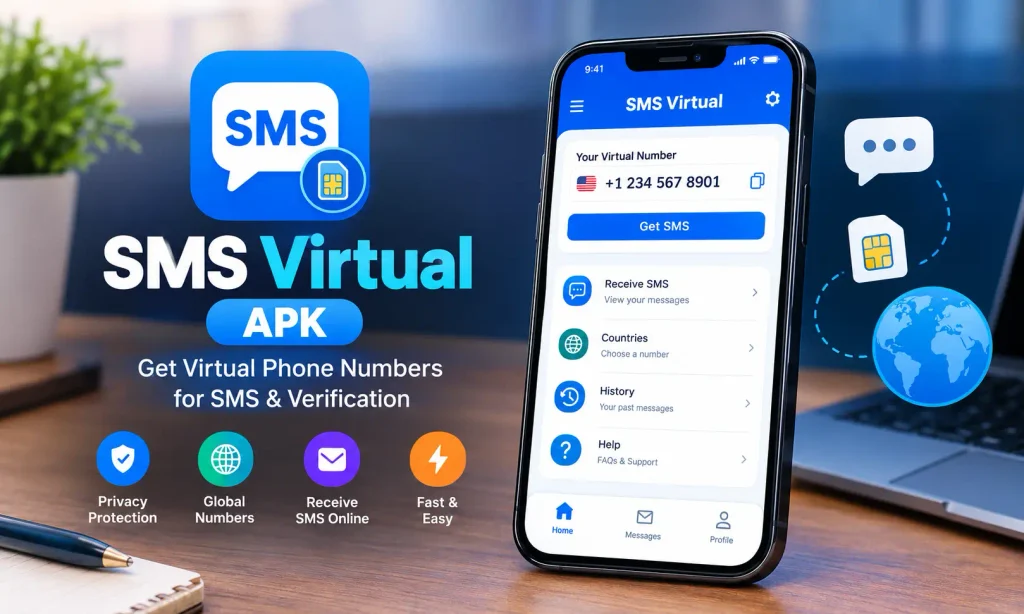
What Is SMS Virtual APK?
SMS Virtual APK is the Android installation package associated with SMS Virtual – Receive SMS, a communication app developed by Tecrow Apps. It provides temporary virtual phone numbers that can receive SMS verification codes from supported online platforms.
You don’t need to enter your personal phone number during every registration, you can select an available virtual number and use it for a compatible service. When a verification message arrives, it appears inside the app, where you can read the code and enter it into the relevant website or application.
The app is particularly useful for people who manage multiple online accounts, want to separate personal and online activities, or need an additional number for a one-time verification. Also check: Download WhatsDelete APK & ZType Game APK Mod.
One important distinction is that SMS Virtual is designed to receive SMS messages, not send them. It should not be confused with messaging applications that provide regular two-way conversations.
SMS Virtual App Information
| Detail | Information |
|---|---|
| App name | SMS Virtual – Receive SMS |
| Package name | online.smsvirtual.app |
| Version | 1.4.1 |
| APK file name | online.smsvirtual.app_1.4.1.xapk |
| File format | XAPK |
| App size | 20.2 MB |
| Last updated | September 2026 |
| Developer | Tecrow Apps |
| Category | Communication |
| Price | Fre |
| Minimum Android version | Android 6.0 or later |
| Content rating | Everyone |
| Downloads | 1M+ |
| Languages | English, German, Russian, Chinese, Japanese, French, Spanish, Turkish |
| Other platform | iPhone version available |
| Developer website | smsvirtual.ru |
Key Features of SMS Virtual Mod APK
SMS Virtual APK focuses on temporary numbers and SMS verification rather than general messaging. Its main features include the following.
1. Virtual numbers for different countries
You can select a country and choose from the available numbers for your intended service. The available selection depends on current inventory, so a particular country or service may not always have numbers available.
2. Receive verification codes online
Incoming SMS messages appear inside the app. You can copy the verification code and enter it into the website or application requesting confirmation.
3. Keep your personal number private
Using a separate number can help you avoid sharing your primary phone number with every online service. This provides an additional layer of separation between your personal contact details and your online registrations.
4. Short-term number activation
Each one-time number has a limited activation window of up to 20 minutes. This makes the service suitable for quick verification tasks rather than maintaining a permanent phone number.
5. Automatic refunds for failed activations
If a verification message does not arrive before the number expires, the app’s stated policy is that no payment is taken for that failed activation. This helps prevent users from paying for unsuccessful verification attempts.
6. Anonymous access and Google sign-in
The app supports Google sign-in and anonymous authentication. These options give users different ways to access the service, depending on their preferences and the app’s current login flow.
What’s New in the Latest Version 1.4.1
Version 1.4.1 introduces several improvements intended to make number selection and support easier.
- More reliable number recommendations: Helps users find suitable numbers through the recommendation system.
- High-demand indicator: Makes it easier to identify services or numbers experiencing higher demand.
- Online support chat: Provides an additional way to contact support when assistance is needed.
- Interface improvements and fixes: Refines the user experience and addresses reported issues.
Earlier releases also introduced useful changes. Version 1.4.0 fixed a problem involving lost purchases, while version 1.2.7 addressed authorization failures and billing issues. Version 1.2.2 introduced a new app icon.
The first release, version 1.0.2, included short- and long-number rental options, Google sign-in, anonymous authentication, and rental history.
How to Use Receive SMS Virtual APK (Step-by-Step)
Getting started is relatively simple. You mainly need to select a suitable number, have enough credits for the activation, and complete the verification process before the number expires.
Step 1: Select a country and service
Open SMS Virtual APK and choose the country associated with the number you need. Next, select the website or service where you want to receive a verification code.
Step 2: Check the price and activate a number
Review the displayed activation price before proceeding. If your credit balance is empty or insufficient, add credits using an available in-app payment option. Once the activation is confirmed, the app provides a virtual number for your selected purpose.
Step 3: Enter the number into the service
Copy the assigned number and paste it into the registration or verification field of the website or application. Make sure the country code and number are entered correctly before requesting the SMS.
Step 4: Receive and enter the code
Return to SMS Virtual apk and wait for the incoming message. The SMS usually arrives within 20 minutes, although delivery times can vary. Once the message appears, copy the code and enter it into the service you are verifying.
The number is limited to a 20-minute activation window. If no message arrives before it expires, the stated policy is that you will not be charged for the failed activation.
SMS Virtual Login: Google Sign-In and Anonymous Access
The sms virtual apk login process offers two supported access methods: Google sign-in and anonymous authentication.
Google sign-in is a convenient choice for users who prefer connecting through a Google account. It can make account access more straightforward, especially when returning to the app.
Anonymous authentication provides another way to access the service without using the Google sign-in option. However, anonymous access should not automatically be treated as a guarantee of complete anonymity or permanent recovery of account information.
If you use the app regularly, review how your balance, purchase history, and account access are handled before switching devices or reinstalling the application. Keep any purchase-related information available in case you need help restoring a transaction.
How to Download and Install SMS Virtual APK for Android
Follow these steps to install the app on a compatible Android device.
- Download latest version of SMS Virtual APK Receive Messages.
- If you receive an XAPK file, use a compatible installer that supports the format. A standard Android package installer may not install an XAPK directly.
- If Android asks for permission to install apps from that source, enable the permission for the relevant installer and only for as long as necessary.
- Complete the installation and open SMS Virtual.
- Choose Google sign-in or anonymous authentication, then review the available countries, services, and activation prices.
SMS Virtual for WhatsApp Verification
SMS Virtual APK for WhatsApp is a possible use case when you need a number to receive an SMS verification code during account registration.
WhatsApp determines which numbers it accepts, and virtual or temporary numbers may be rejected. Availability also depends on the country and service selected inside SMS Virtual. Even if a number is available in the app, it does not mean WhatsApp will accept it.
If you want to try this method, check whether the required country and service are available before spending credits. Follow WhatsApp’s current verification instructions and use a number only when you are authorized to register the account.
For important accounts, a phone number you control over the long term is generally a better choice. Temporary numbers may expire or become unavailable, which can make future verification and account recovery difficult.
Pricing, Credits and Refunds
Although SMS Virtual is a free sms virtual APK in the sense that installation does not require an upfront payment, not every feature is free. Virtual numbers are paid for through in-app credits, and the activation price varies according to the selected country and service.
The basic process works as follows:
- Check the price displayed for your chosen number or service.
- Add credits if your available balance is insufficient.
- Use the credits to activate a number.
- Complete verification during the activation window.
- If the SMS fails to arrive before the number expires, the stated policy is that no payment is taken for that failed activation.
Permissions and Safety
SMS Virtual APK declares several Android permissions that support its basic operation. These include internet access, network-state access, wake lock, foreground service, receiving the device boot-completed event, and posting notifications.
Internet access allows the app to communicate with its service and retrieve incoming messages. Network-state access helps it identify connectivity conditions. Wake lock and foreground-service permissions can support background tasks, while boot-completed access may allow certain functions to resume after a device restarts. Notification permission allows the app to display relevant alerts.
These permissions do not, by themselves, establish whether an app is safe or unsafe. When installing the application, use a package that matches the expected app identity and avoid granting unrelated permissions without a clear reason.
The developer’s website is smsvirtual.ru, which is useful to know if you need to identify the developer or look for support information.
Conclusion
SMS Virtual APK provides a straightforward way to receive verification messages through temporary virtual phone numbers. Its country and service selection, short activation window, in-app credits, and failed-activation refund policy make it useful for certain online registration tasks.
Before using it, check the number’s price, confirm that your intended service supports virtual numbers, and complete verification within the available time. For WhatsApp and other important accounts, remember that temporary numbers are not guaranteed to work and may not be suitable for long-term account recovery.
Frequently Asked Questions

Abhishek Sharma is a technology enthusiast and experienced content writer with a strong interest in mobile apps, games, software, and the latest developments in the digital world. He enjoys exploring new applications and gaming platforms, testing their features, and sharing useful information in a simple and easy-to-understand way.